You can now generate structured, on-brand UI screens directly from prompts in Figma Make using EG’s official typography, colors, and components.
This helps you move from idea to interface much faster while staying fully aligned with BrandSync across products.
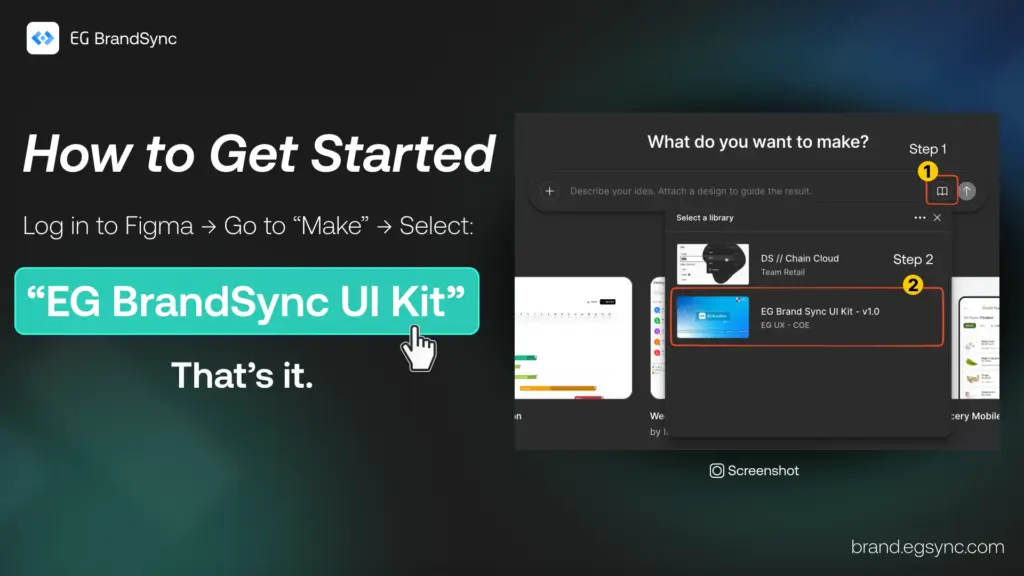
How to Access
Login to figma
In Figma Make, select:
EG BrandSync UI Kit (Please refer to the screenshot.)
You will need Organisation Figma account (Full dev Seat) to use it.
What You Can Do with BrandSync in Figma Make
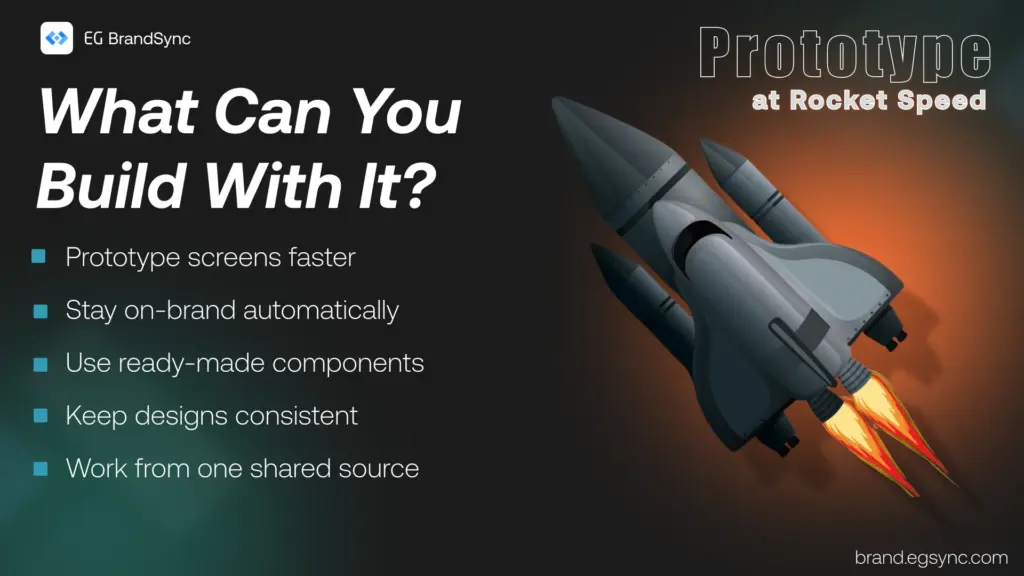
• Generate on-brand screens in seconds • Automatically use official BrandSync components • Maintain visual consistency across products • Prototype quickly without starting from scratch
Think of it as your acceleration layer for UI creation.
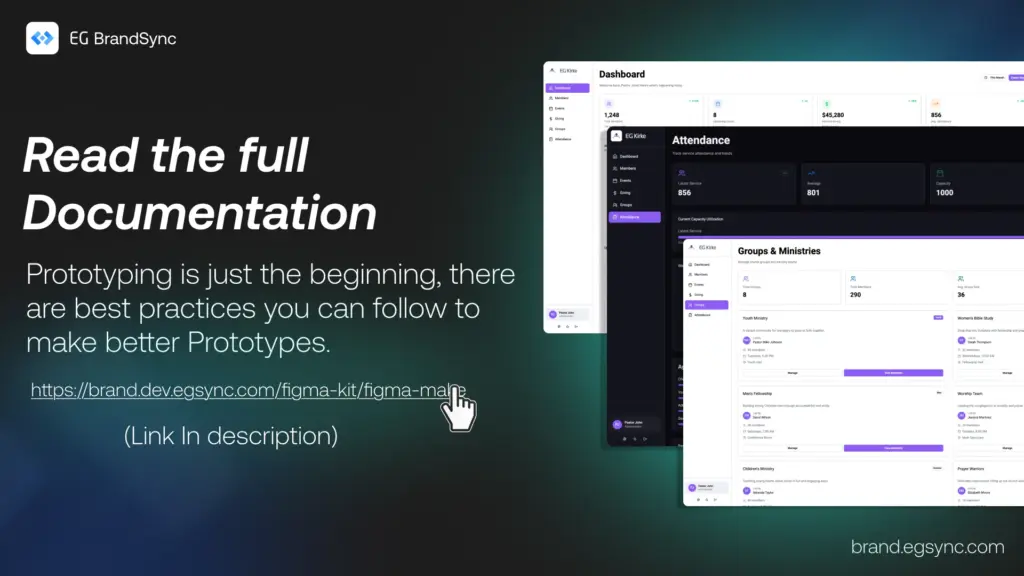
Full documentation on how to prompt for the best results is available here: https://brand.egsync.com/figma-kit/figma-make
What This Is Not
This is not a replacement for UX strategy, research, or product discovery.
It is a speed layer that helps teams move faster while staying on-brand.
We look forward to your feedback.
Happy prototyping
– Team BrandSync
Essential BrandSync Resources
Leave a Reply