Blog

  • Introducing EG Product Logos – Figma Plugin

    Introducing EG Product Logos – Figma Plugin

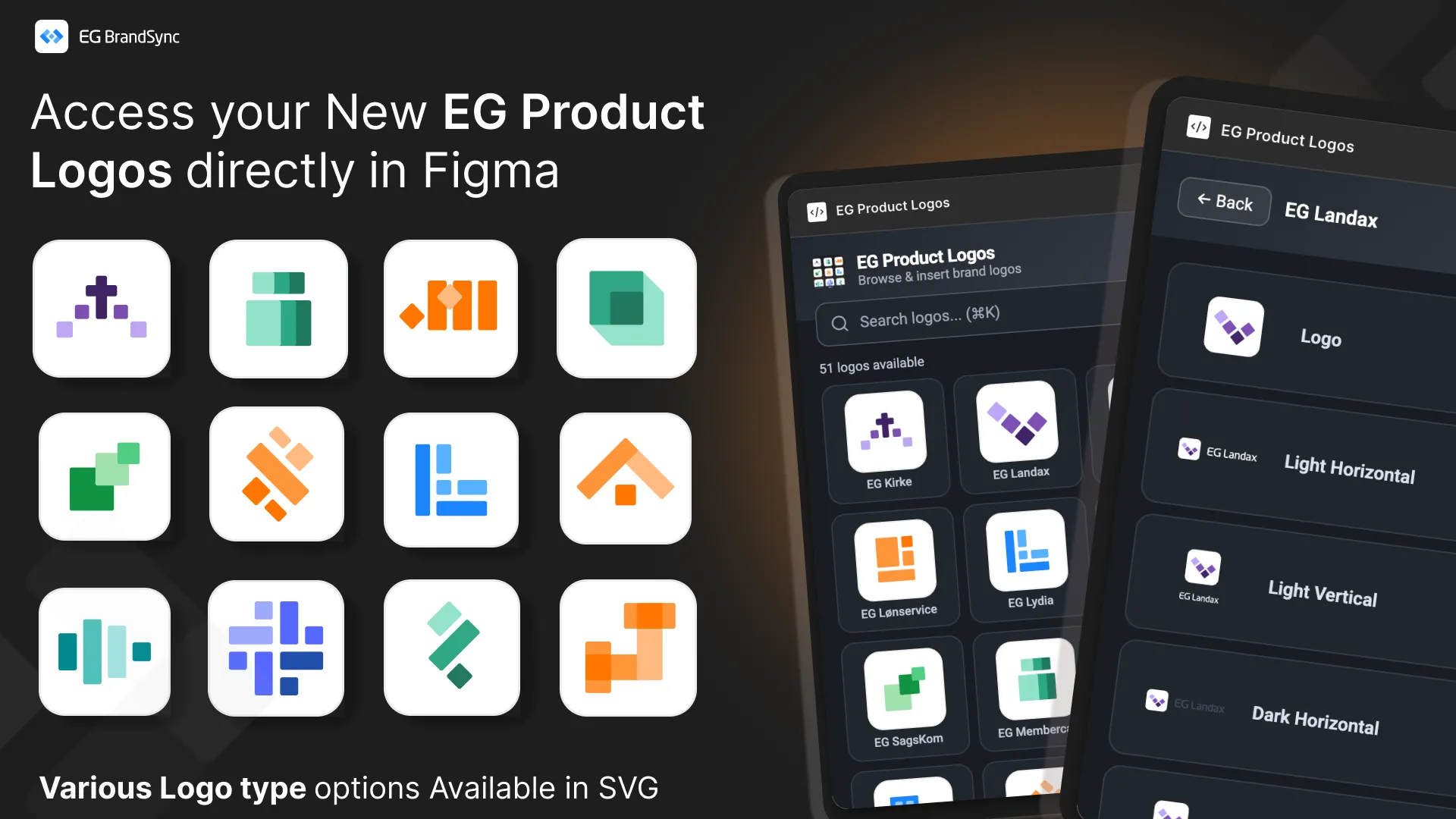
    This new tool creates a direct, searchable connection to the BrandSync asset library inside your Figma workspace, giving you instant access to official and always up-to-date product logos.

    No more outdated files. No more searching through folders. Just search and place.

    Key Features

    Direct BrandSync Integration

    Instantly search and fetch the latest approved product logos without leaving Figma. The plugin connects directly to the official BrandSync source of truth.

    Scalable Vector Quality All logos are delivered in SVG format and can be scaled to any size while maintaining perfect clarity and sharpness.

    Smart Format Selection

    When multiple logo variations exist such as Horizontal, Vertical, Dark, or Negative, the plugin allows you to preview and select the exact format required for your layout. This ensures correct usage every time.

    How to Get Started

    1. Install the Plugin first – EG Product Logos
    2. Right-click on your canvas
    3. Select Plugins
    4. Under Select from EG A/S -> Select Product Logos

    This release is another step toward a unified EG brand ecosystem, making it easier for teams to stay consistent.

    We look forward to your feedback and feature requests in the thread below.

    Other BrandSync FIgma Plugins: Link to other BrandSync Plugins

  • Not everyone experiences digital products in the same way.
    Not everyone experiences digital products in the same way.
    1. Some people see everything clearly.
    2. Some rely on sound.
    3. Some navigate entirely with a keyboard.
    4. Some depend on assistive technologies to interact with interfaces.

    Accessibility isn’t something you add later in the process. It’s something you build into the foundation from the very beginning.

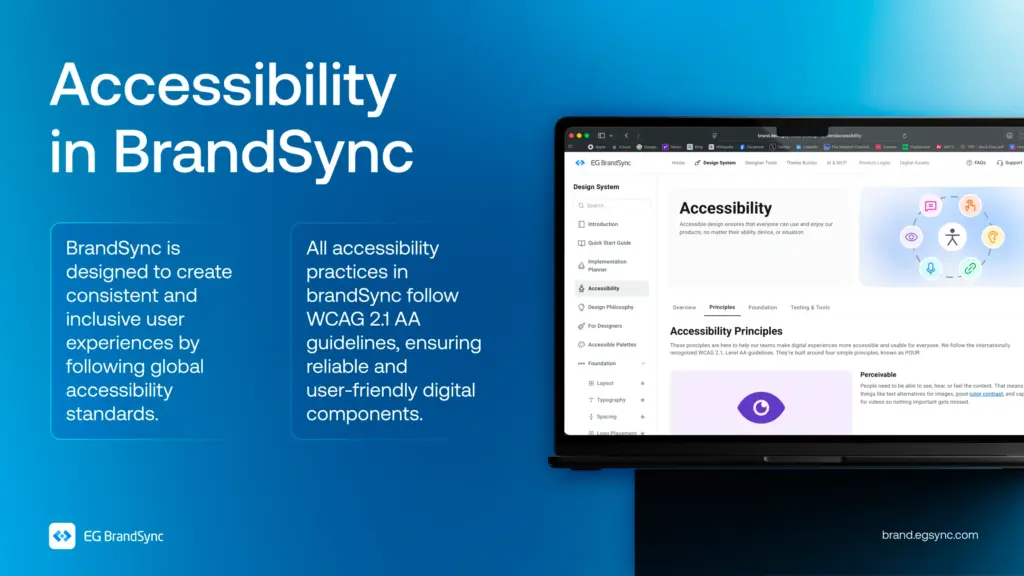
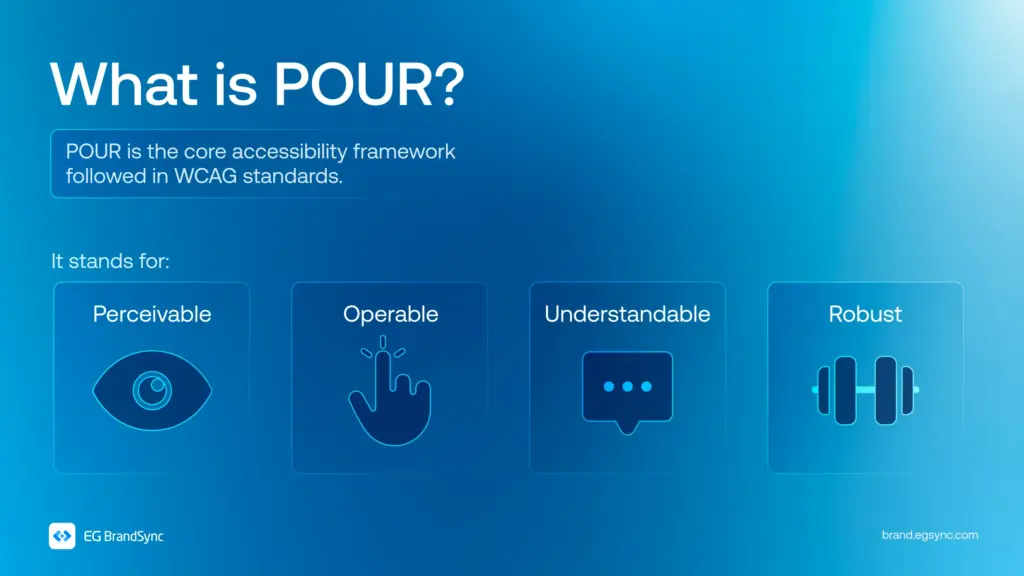
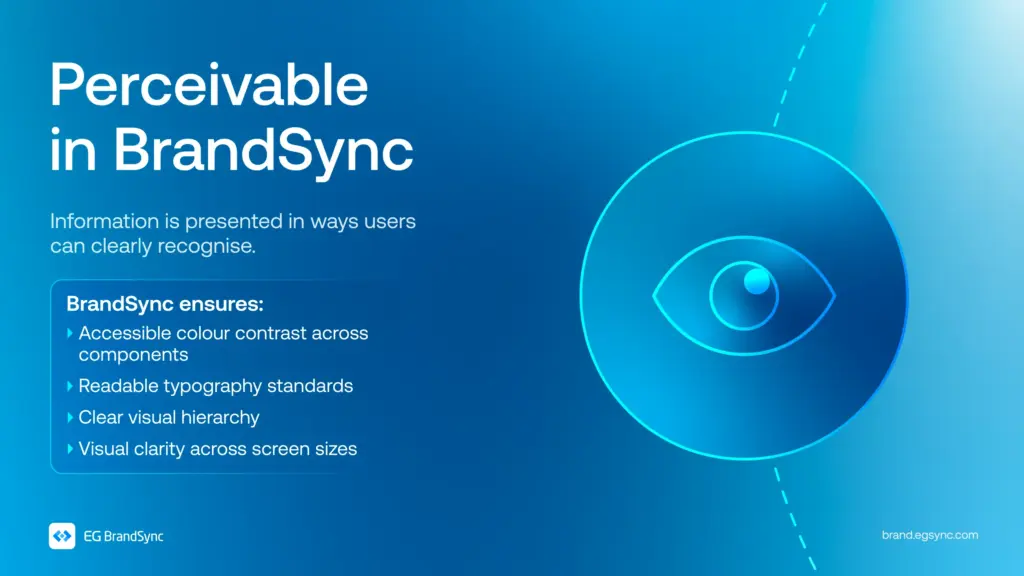
    In BrandSync, every component is designed with the POUR framework in mind. Perceivable. Operable. Understandable. Robust.

    Following WCAG 2.1 AA standards, accessibility is considered in every colour choice, every component, and every interaction that is designed.

    Because inclusive design isn’t just about meeting standards. It’s about creating experiences that genuinely work for everyone.

    Visit https://brand.egsync.com/design-system/accessibility to explore how accessibility is integrated into components and how it helps teams build inclusive products.

    Other helpful resources

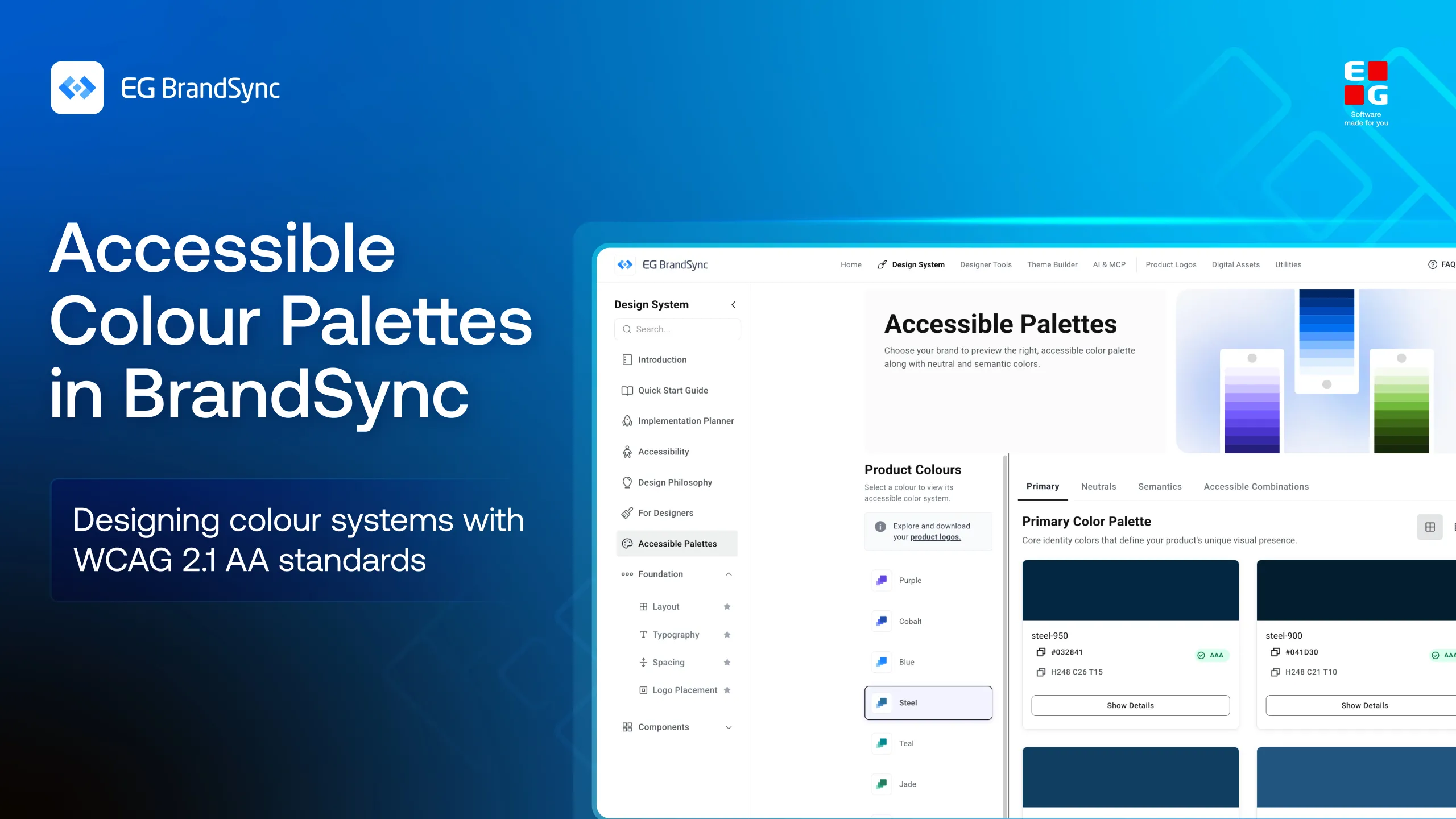
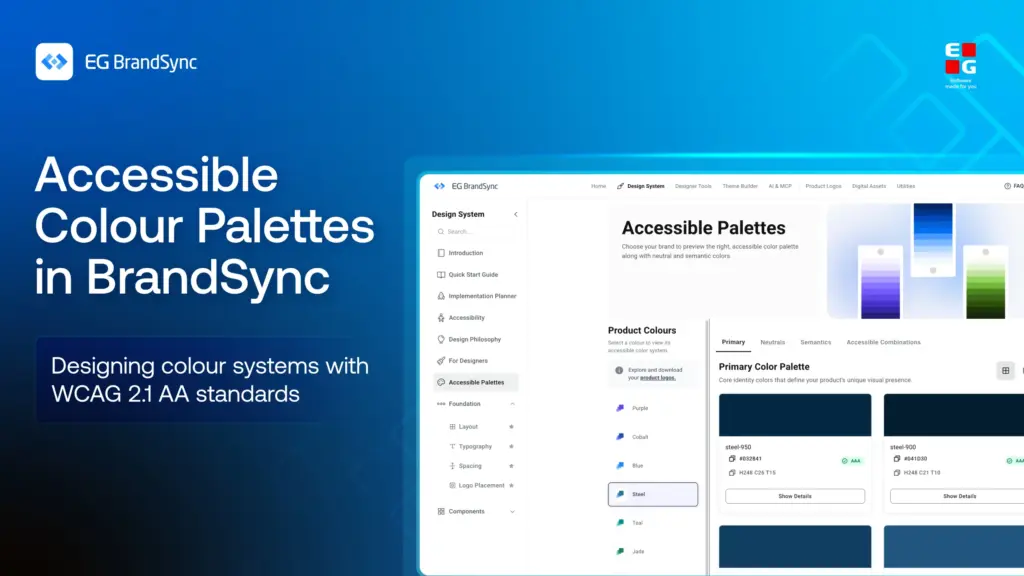
    Accessible Colour Palettes

    #Accessibility #InclusiveDesign #DesignSystems #WCAG #BrandSync #UXDesign

  • Colour does more than make things look good.

    Colour does more than make things look good.

    It guides attention. It communicates meaning. It shapes how users understand and interact with a product.

    But when colour isn’t accessible, it creates confusion instead of clarity.

    Some users may not distinguish between certain colours. Some may struggle with low contrast. Some may miss critical information entirely.

    That’s why accessible colour isn’t a design choice. It’s a design responsibility.

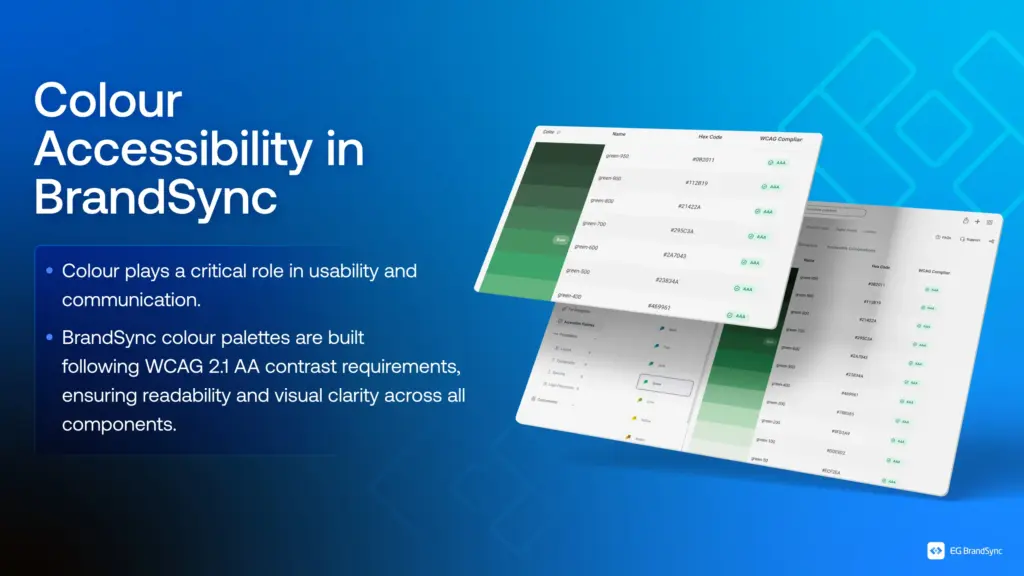
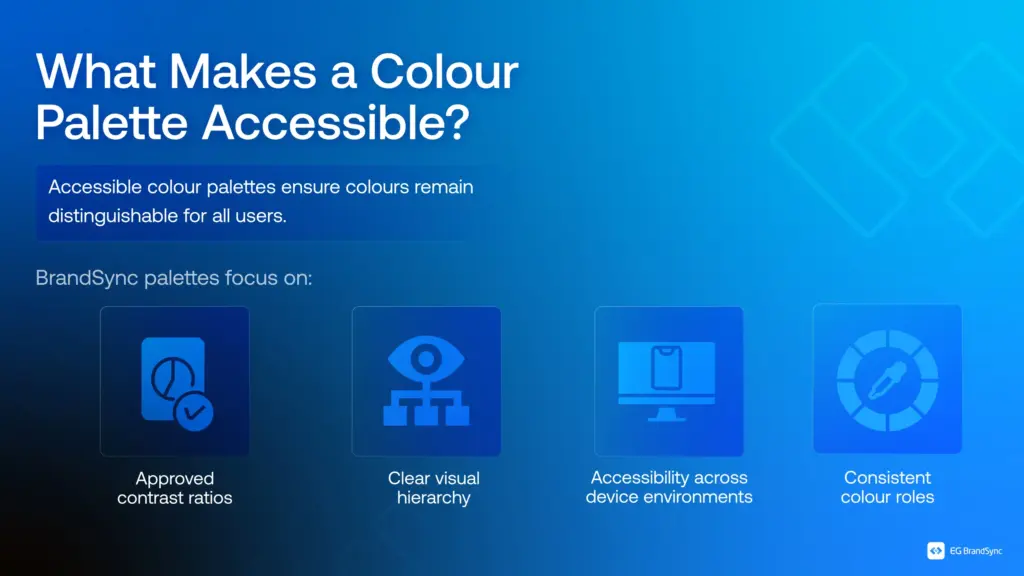
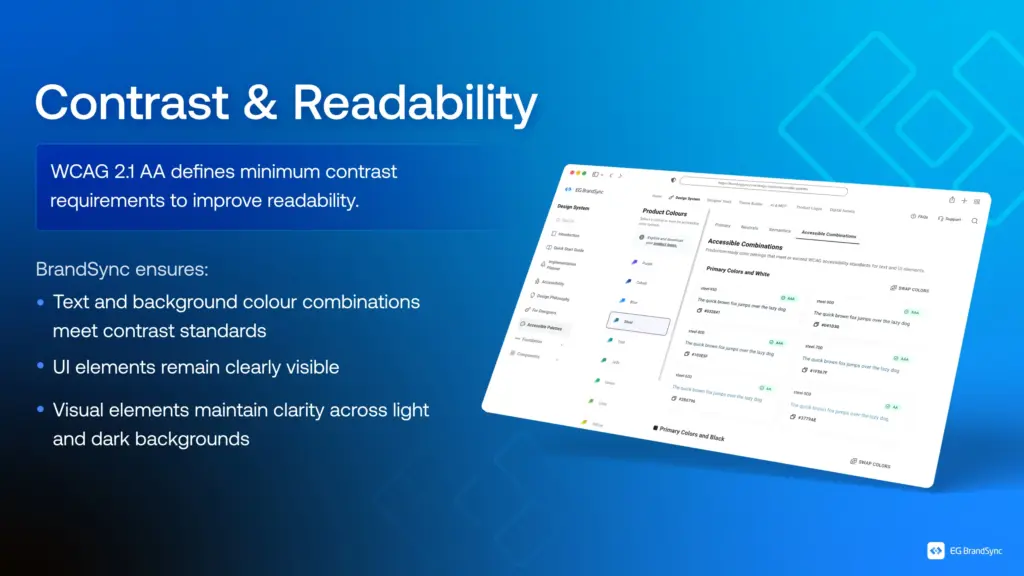
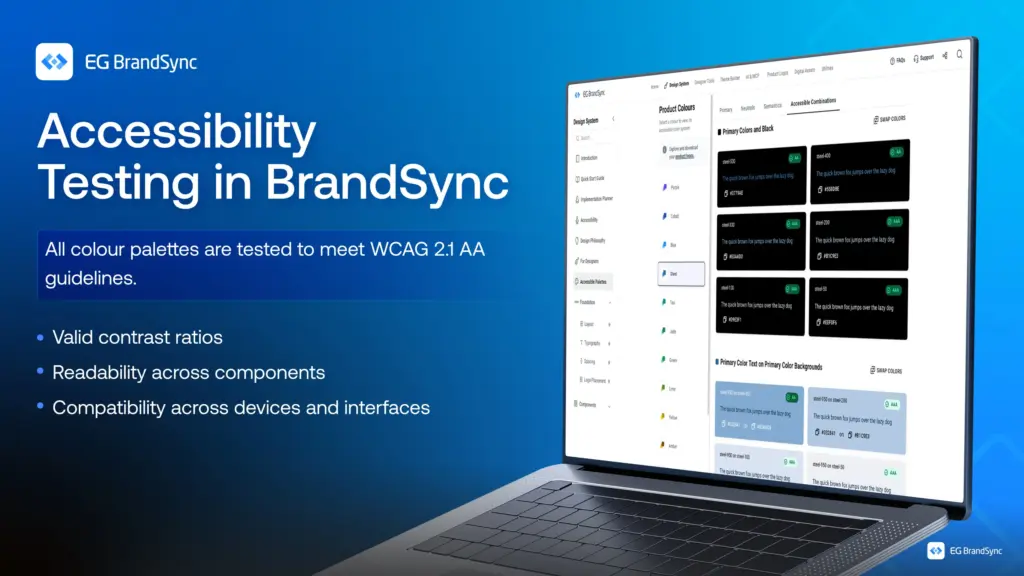
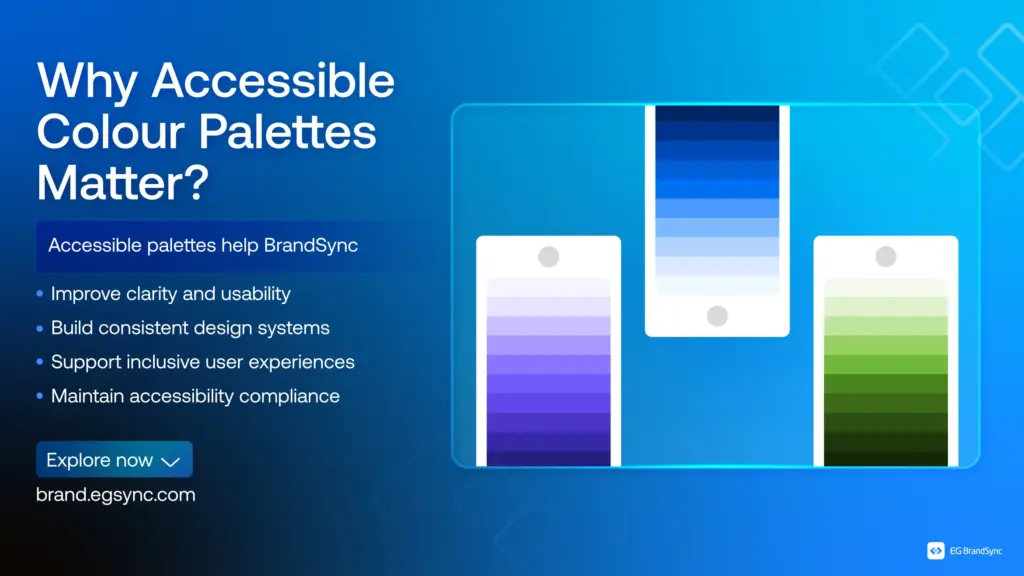
    In BrandSync, colour palettes are built with WCAG 2.1 AA standards at the core. Every combination is tested for contrast, clarity, and usability across components and environments.

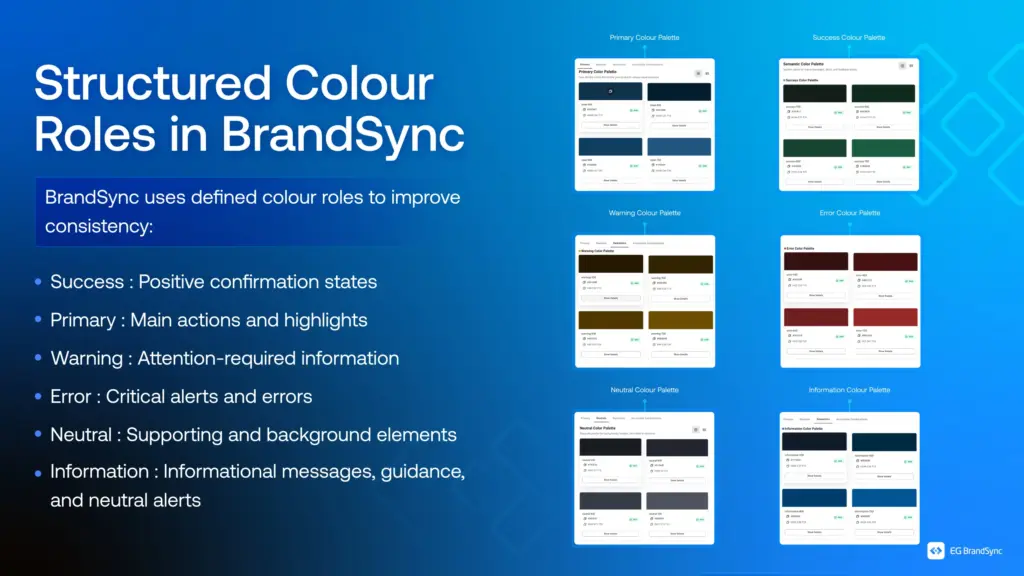
    From structured colour roles to consistent visual hierarchy, every colour serves a purpose, not just aesthetically but functionally.

    Because when colour works for everyone, design becomes clearer, stronger, and more inclusive.

    Explore how BrandSync builds accessible color palettes:

    Accessible Colour Palettes

    Other helpful resources

    https://brand.egsync.com/design-system/accessibility

    #Accessibility #InclusiveDesign #DesignSystems #WCAG #BrandSync #UXDesign

  • BrandSync Utilities is here!

    BrandSync Utilities is here!


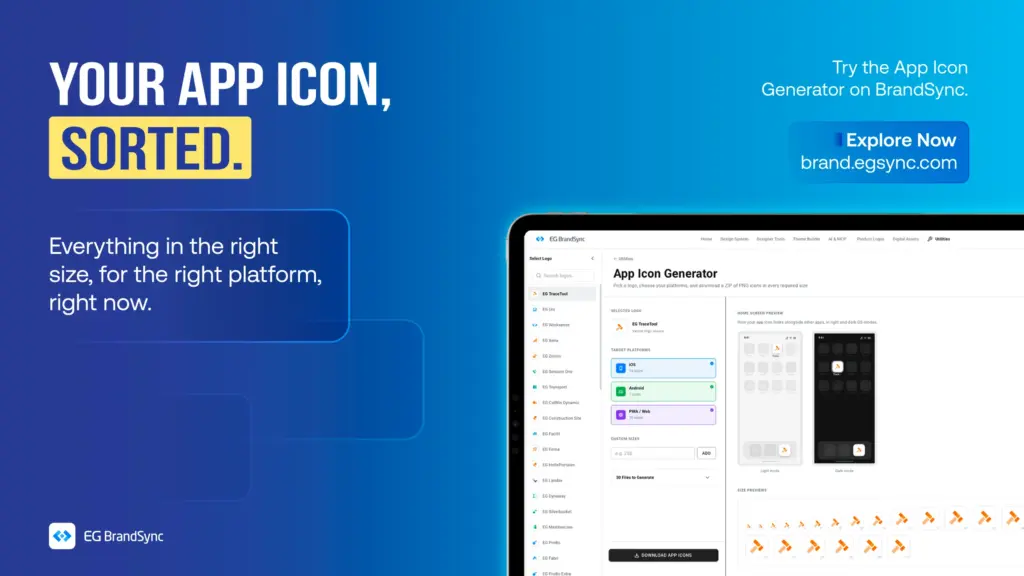
    Starting with the App Icon Generator

    Turn your product logo into every app icon size you need, INSTANTLY!!!! 🙂

    Creating app icons for different platforms can take time.

    The BrandSync App Icon Generator makes it simple.

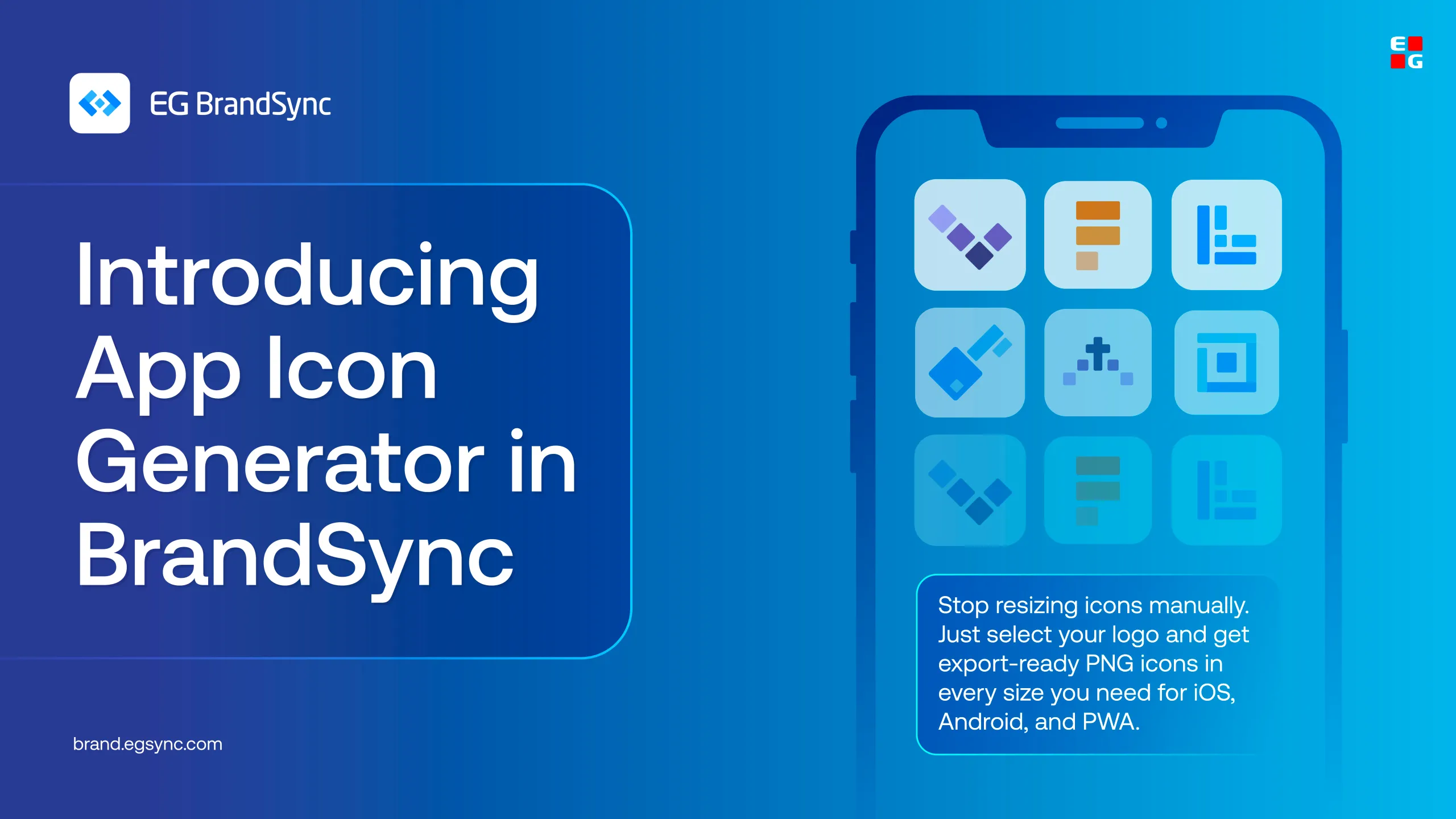
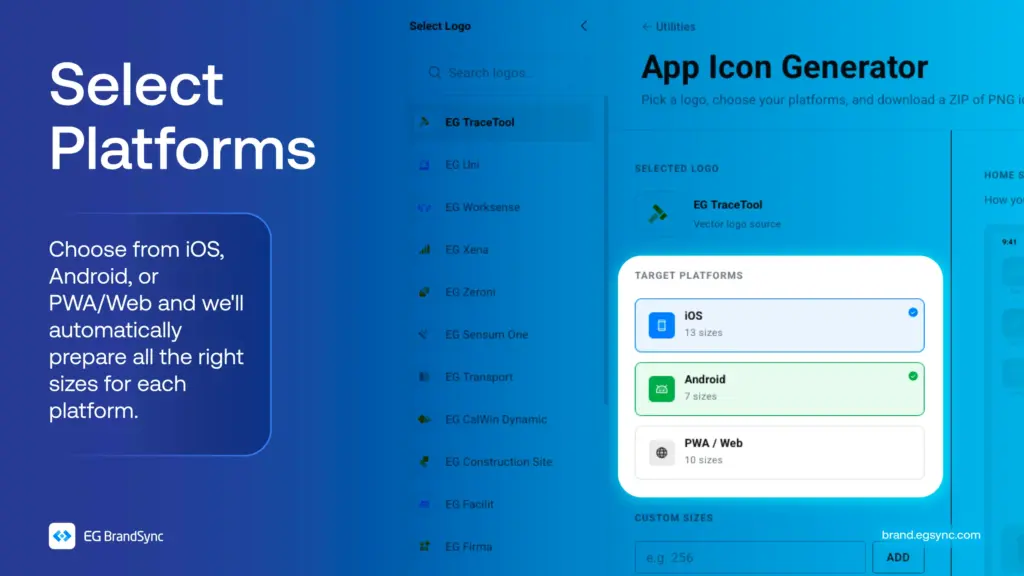
    Just select your product logo, choose your Device platform, and get all the required icon sizes automatically. No need to resize anything manually.

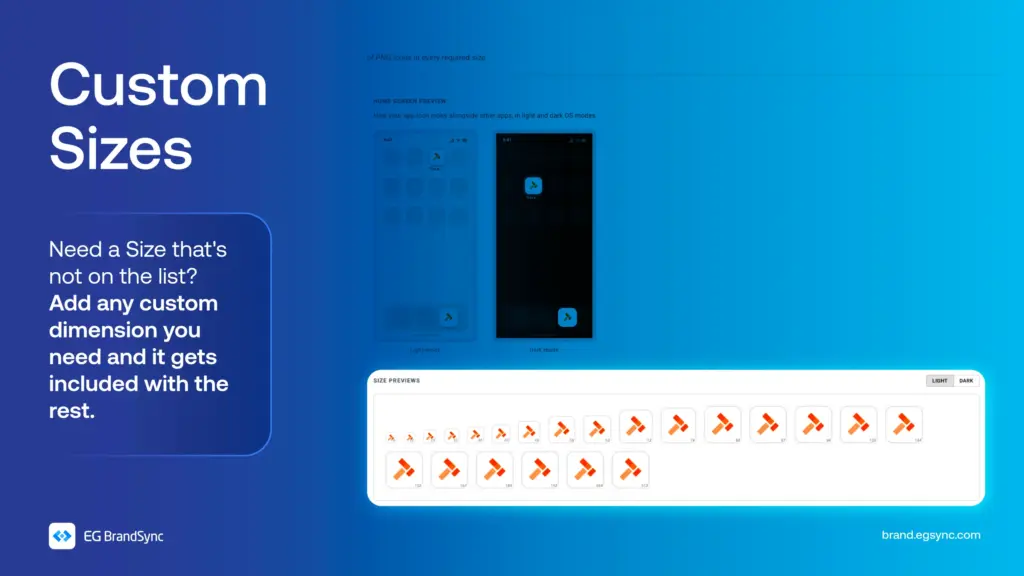
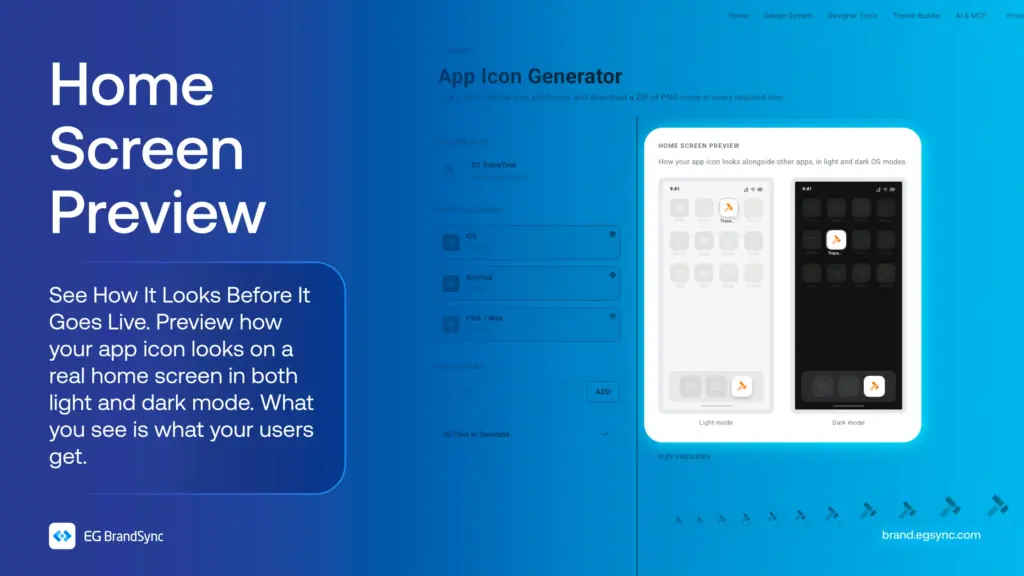
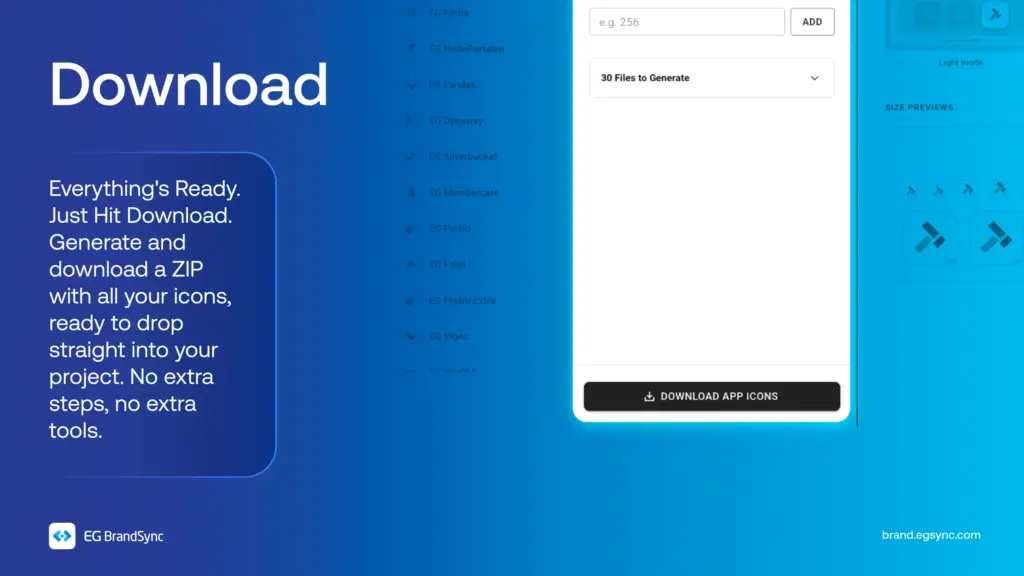
    You can also add custom sizes, preview how your icon looks on a mock phone screen, and download everything in one go.

    All your app icons, ready to use.

    Try the App Icon Generator on BrandSync: https://brand.egsync.com/utilities/app-icons

    Other utilities:

    Favicon Generator

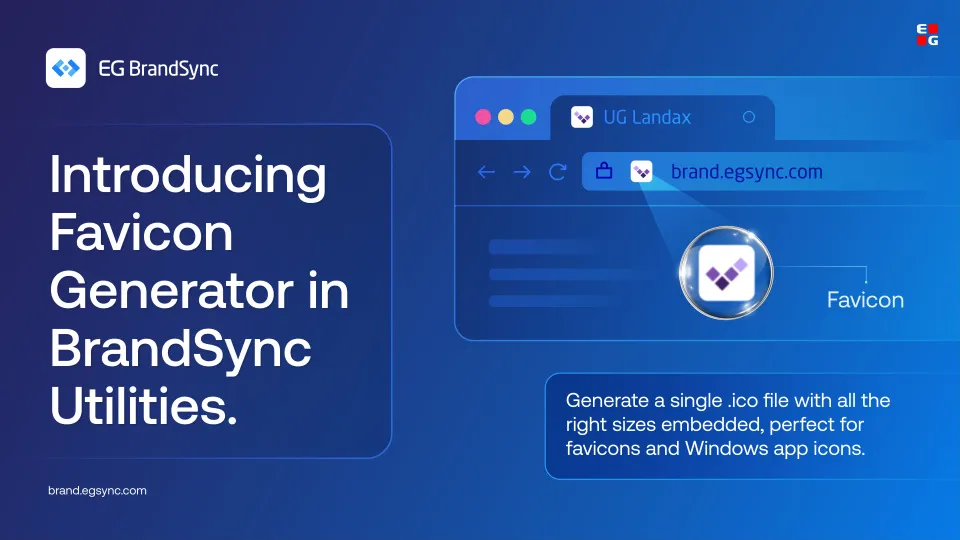
    Generate a single .ico file with multiple sizes embedded, perfect for favicons and Windows app icons.

    Colour converter

    Convert between HEX, RGB, HSL, and CMYK. Edit any format and all others update instantly. Use HEX and RGB for web and digital, HSL for UI theming, and CMYK for print production.

    #AppIconGenerator #BrandSync #DesignTools #BrandSyncUtilities #UXDesign

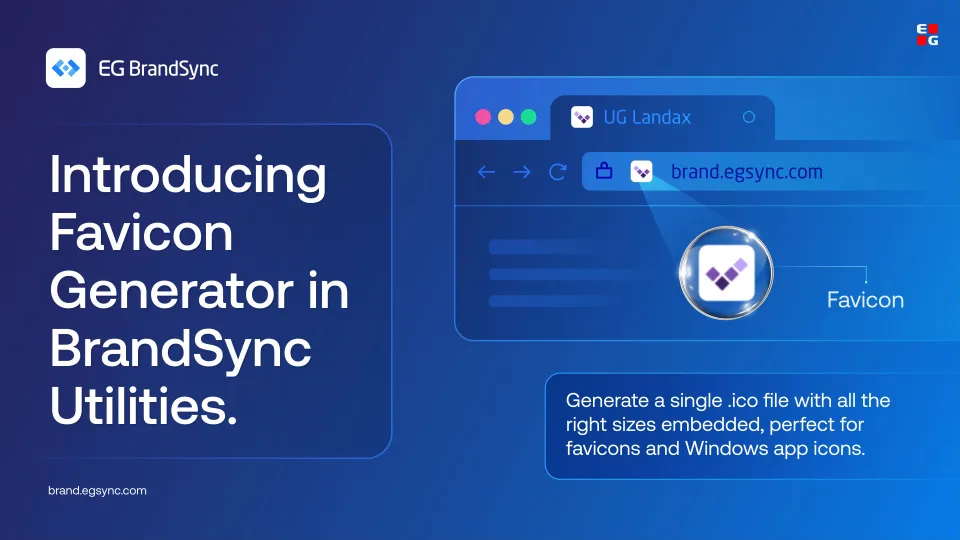
  • Introducing the Favicon Generator

    Introducing the Favicon Generator

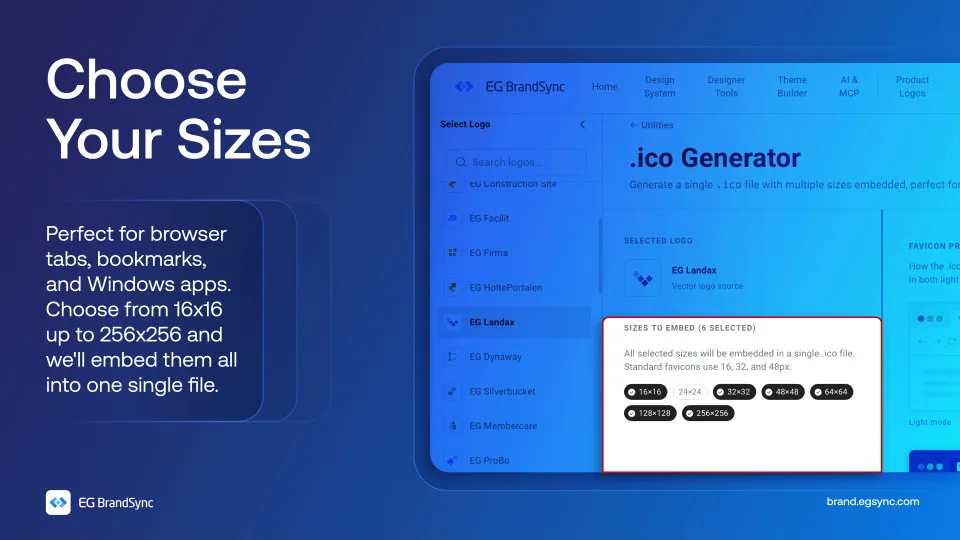
    Your favicon is the smallest version of your brand, but it shows up everywhere. Browser tabs, bookmarks, Windows apps.

    It deserves to look right.

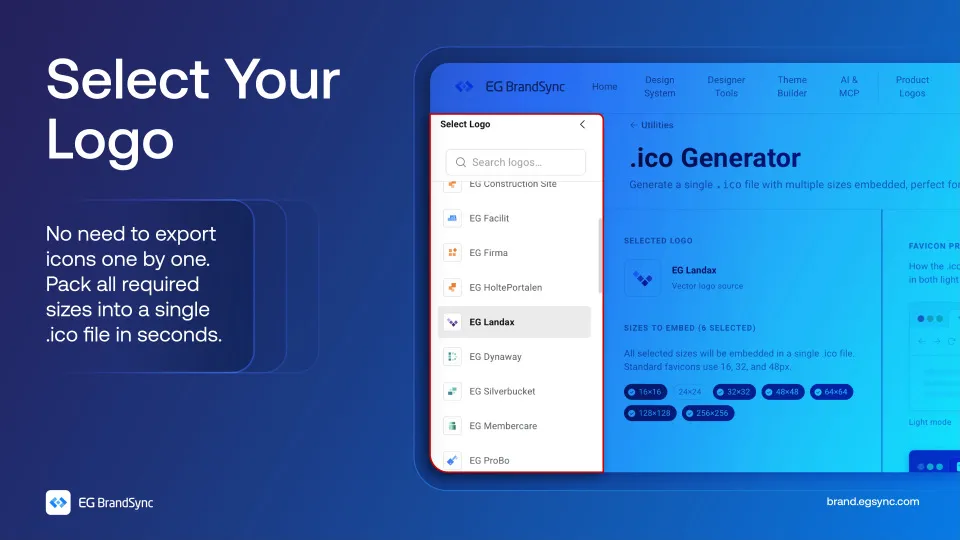
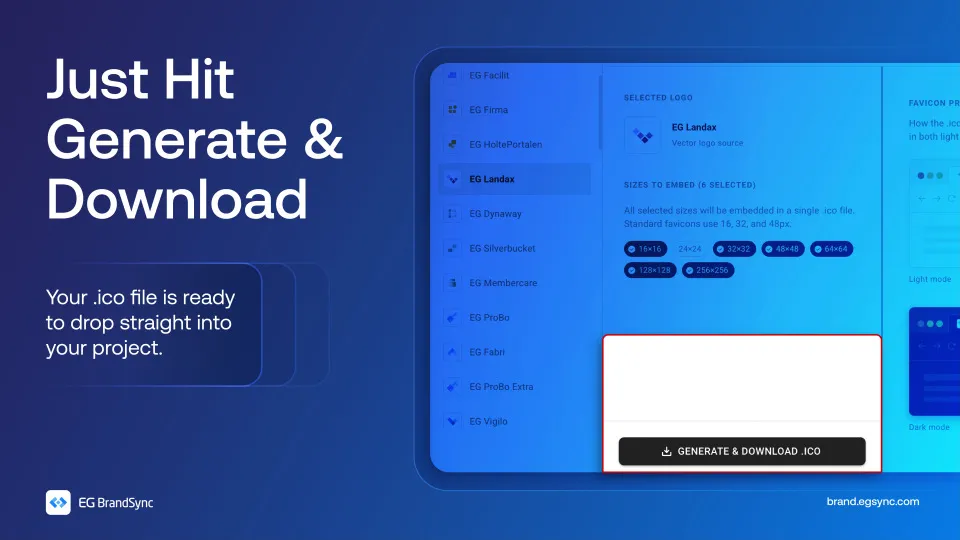
    With the BrandSync Favicon Generator, just pick your logo and choose the sizes you need. We’ll embed everything from 16×16 up to 256×256 into a single .ico file.

    No juggling multiple exports, no extra tools.

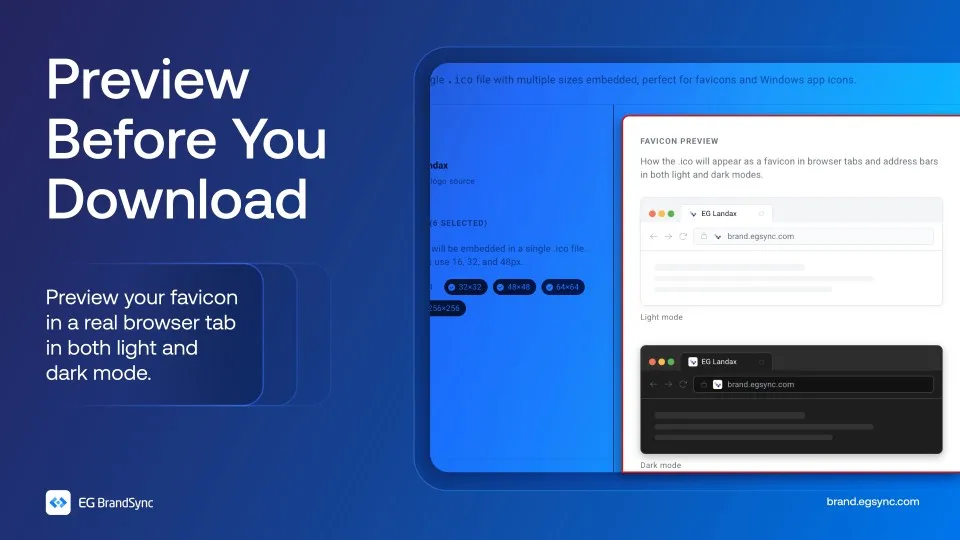
    And before you download, preview exactly how your favicon looks in both light and dark mode.

    No guessing and no going back and forth.

    Everything packed into one file, ready to use.

    Try the Favicon Generator on BrandSync:

    Favicon Generator | EG Brandsync

    Also check out other utilities on BrandSync:

    App Icon Generator | EG Brandsync

    Pick a logo, choose your platforms, and download a ZIP of PNG icons in every required size.

    Colour converter

    Convert between HEX, RGB, HSL, and CMYK. Edit any format and all others update instantly. Use HEX and RGB for web and digital, HSL for UI theming, and CMYK for print production.

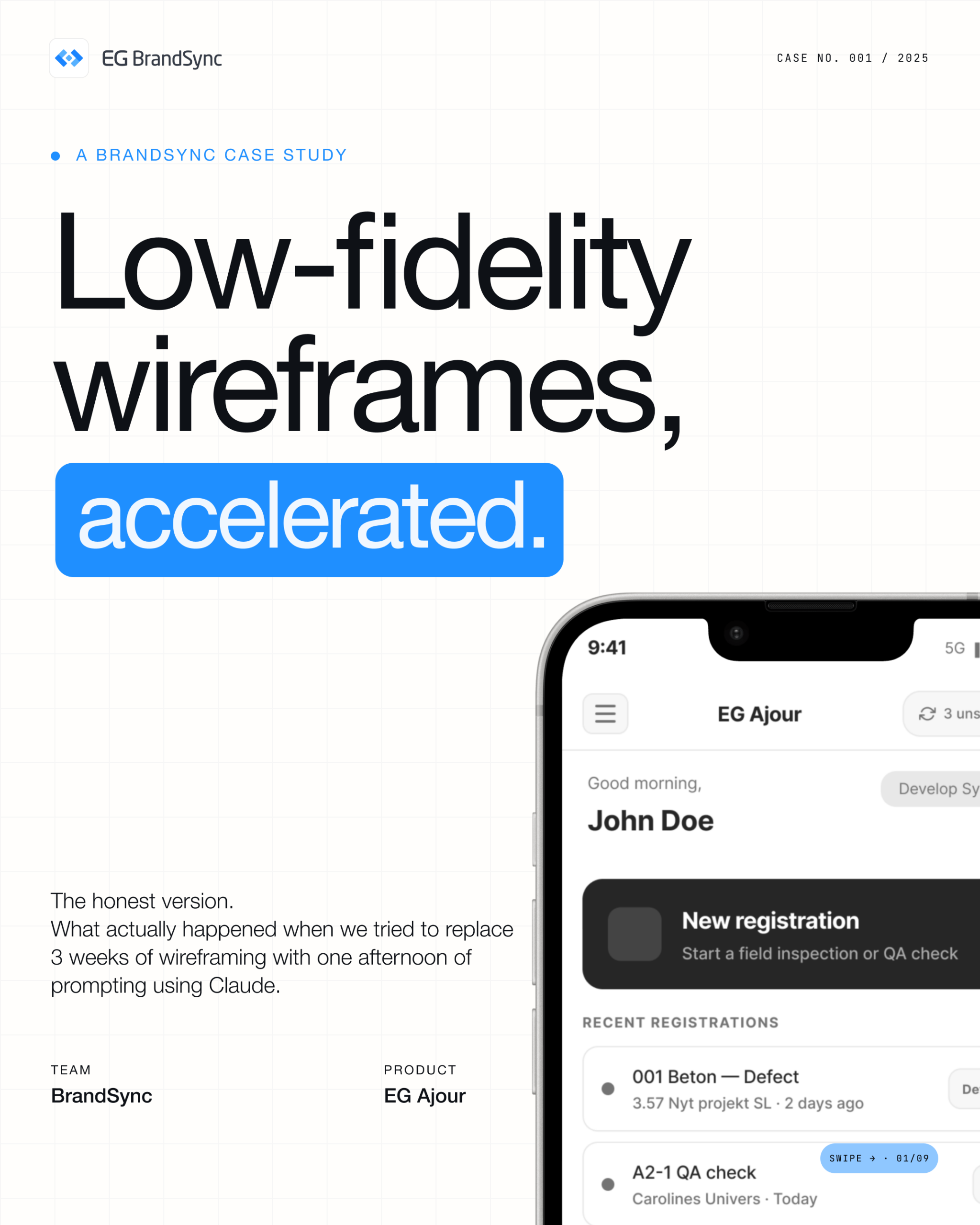
  • We let Claude into our wire-framing process. Here’s what actually happened.

    We let Claude into our wire-framing process. Here’s what actually happened.

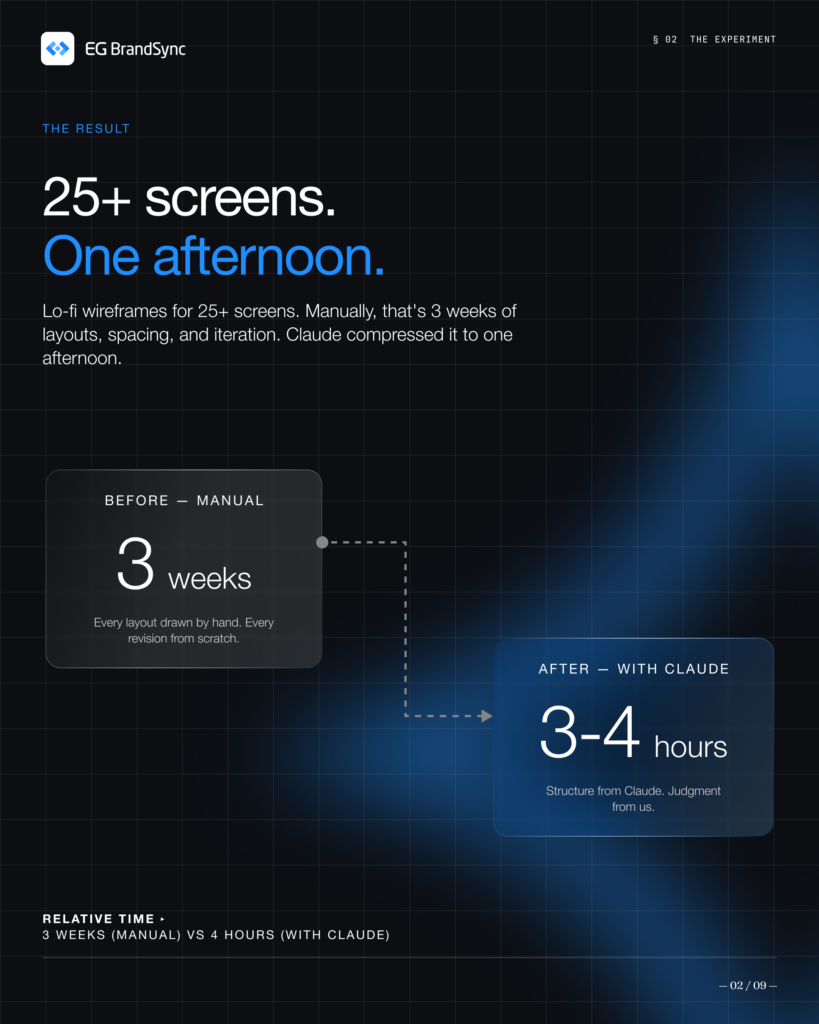
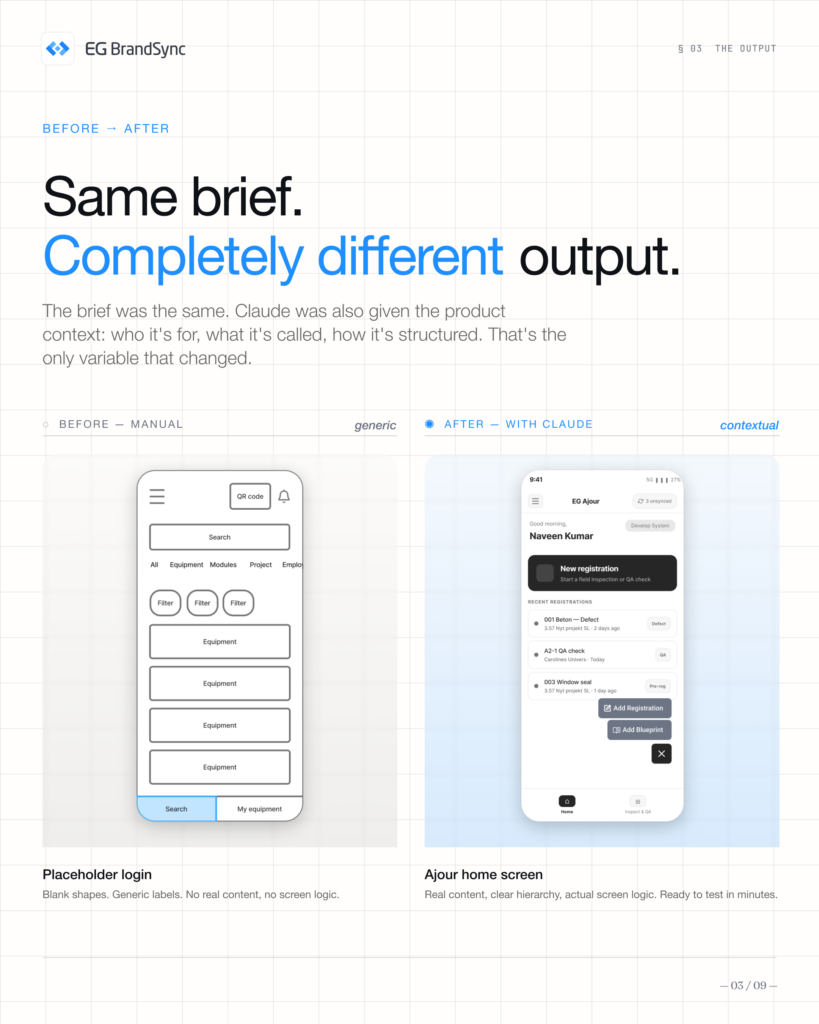
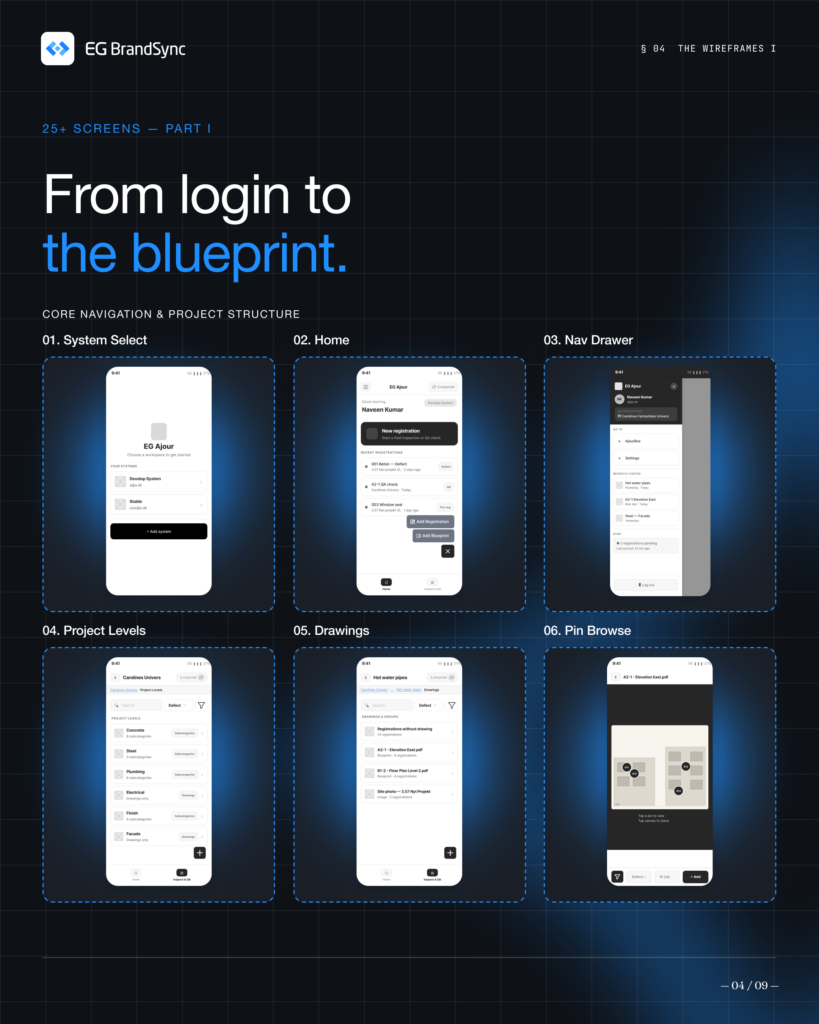
    In a single afternoon, we generated 25+ lo-fi wireframes, something that would usually take weeks. This deck breaks down exactly how we did it.

    Here, you’ll find:

    • Our 6-step method
    • Real wireframes
    • What worked and what didn’t
    • The outcomes we achieved

    Claude sped up layout generation, but the thinking and decisions stayed with our team. It didn’t replace our process, it helped us move through it faster and more efficiently.

    Curious how this could fit into your workflow?

    Swipe through and see the process in action.

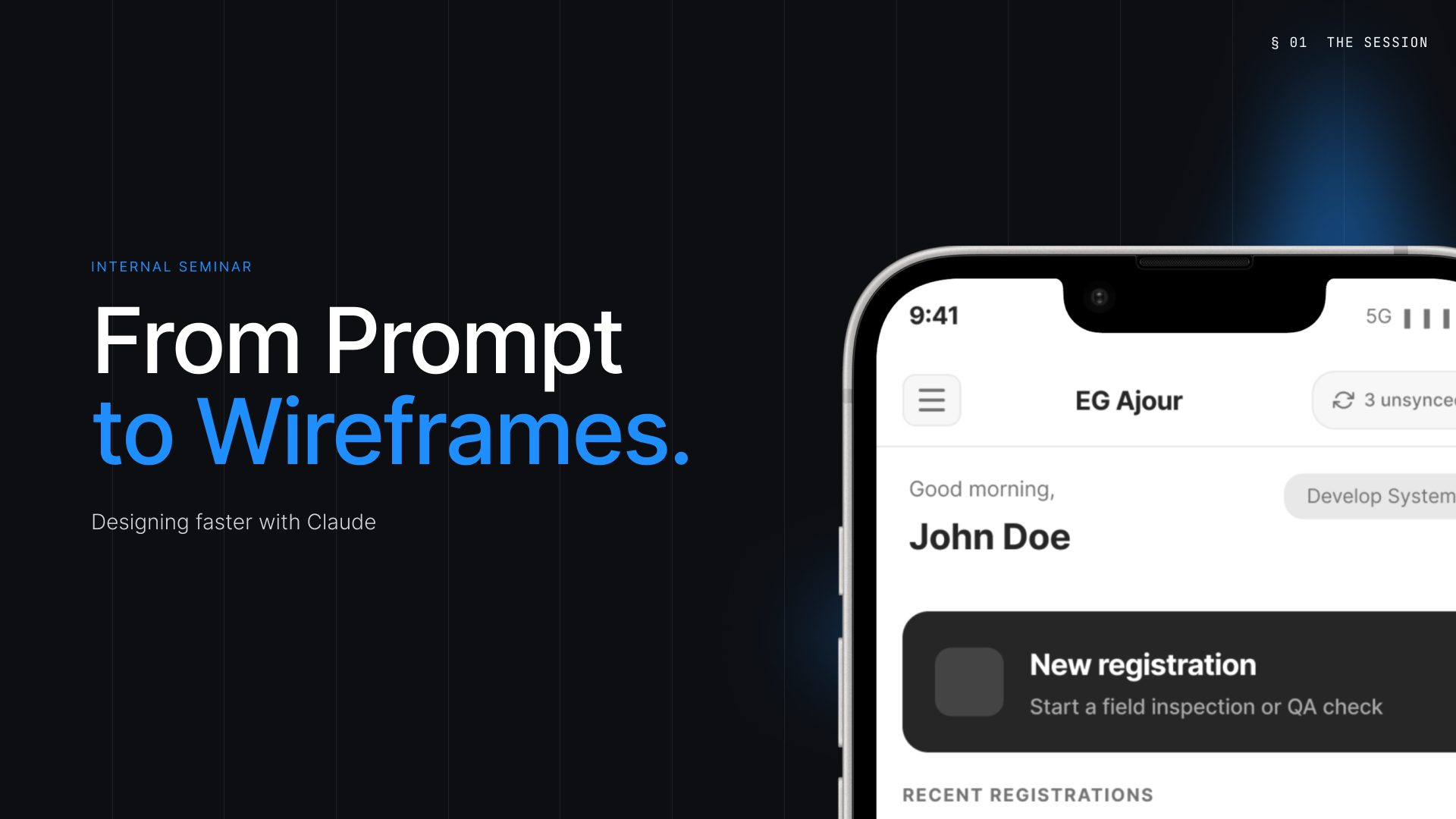
  • Using Claude to generate low fidelity wireframes

    Using Claude to generate low fidelity wireframes

    A big thank you to Mehnaz Zahur for leading a great session for the EG UX Community on using Claude to generate low fidelity wireframes and speed up early stage product thinking.

    The session explored how AI can support UX teams during the first phases of building apps by helping turn ideas and prompts into rough wireframes faster. The goal was never to replace designers, but to give teams a quicker starting point and make it easier to explore ideas early.

    Some of the key takeaways included:

    • AI works best as a thinking partner • Strong context and clear prompts lead to better outcomes • Working one flow at a time creates more focused results • Iteration still matters and refinement stays with the designer

    • Faster exploration helps teams align and react earlier

    “One of the strongest messages from the session was simple but important:

    AI informed. Not AI generated.”

    Attaching a few slides from the seminar for those who could not attend and for anyone who would like a quick look at the process and key learnings shared during the session.

    A special thank you as well to Team GCX and Amplify Alliances for conducting and hosting this event, and for helping create a space for learning, collaboration, and knowledge sharing across the community.

    Thank you to everyone who joined and contributed to the conversation. Looking forward to more sessions like this within the EG UX Community.

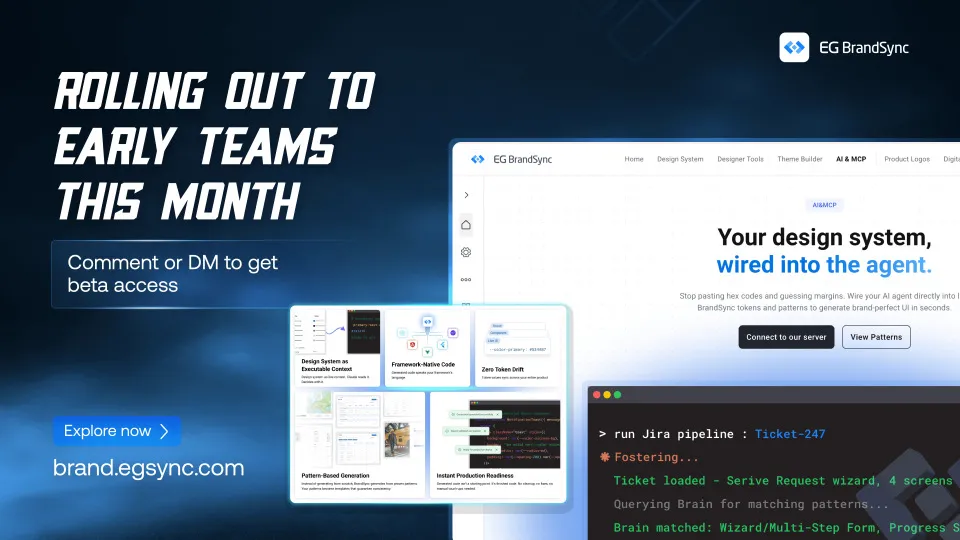
  • Introducing BrandSync MCP

    Introducing BrandSync MCP

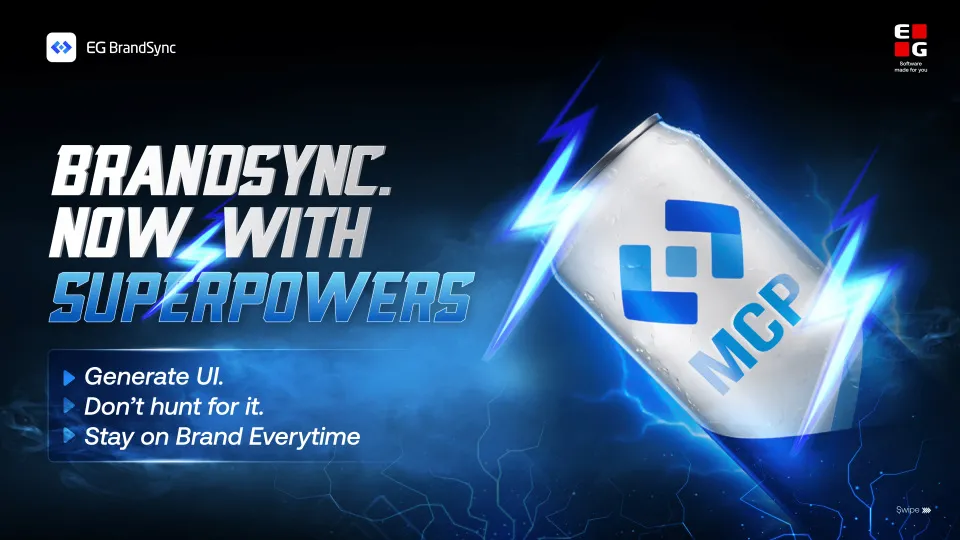
    BrandSync, now with superpowers.

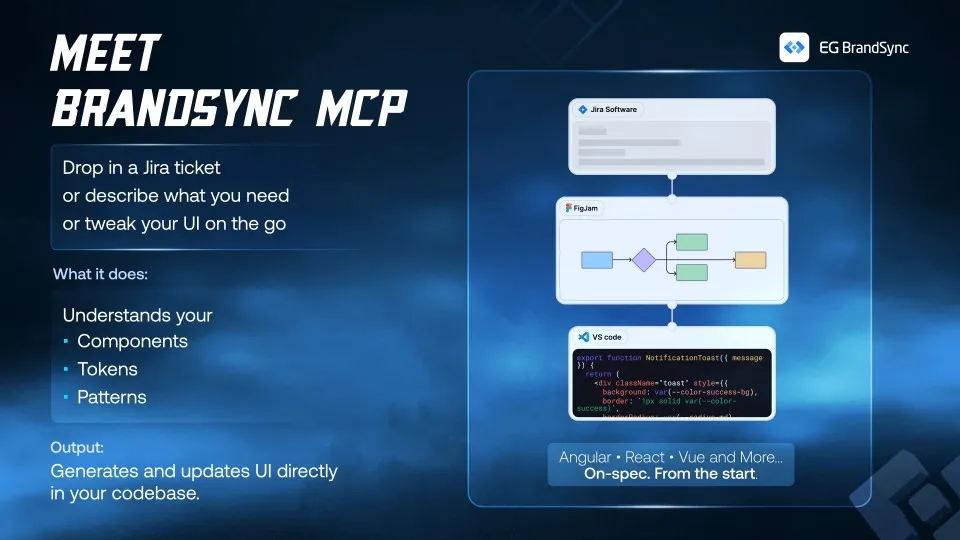
    Our MCP now connects Claude Code to your BrandSync design system, so you can stop hunting for UI and start generating it directly in your codebase.

    What can you do with it?

    Jira workflow: turn tickets into ready-to-build specs with components, tokens, and patterns already resolved

    Pattern driven builds: pick the right pattern and generate UI that follows your design decisions

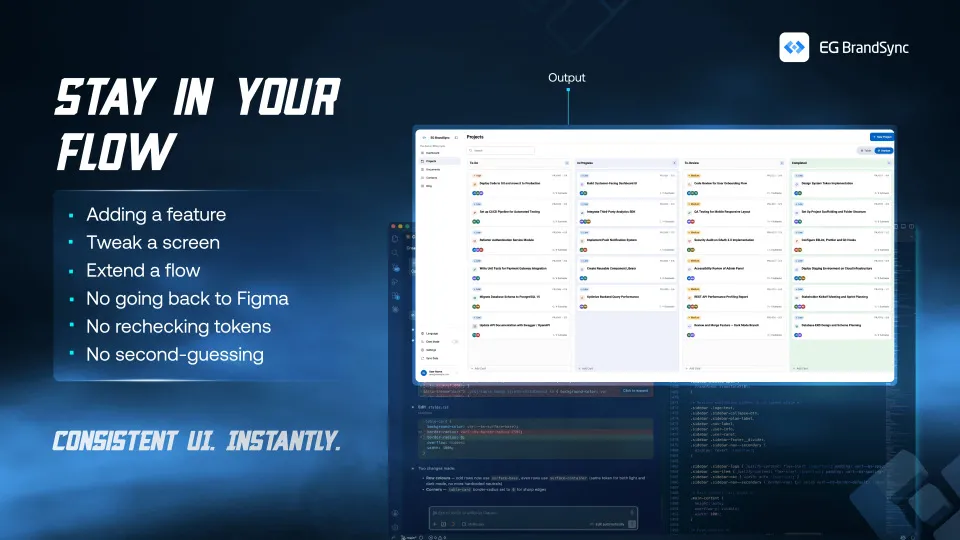
    New features: describe a full flow and get consistent, multi-screen UI grounded in your system

    Everything is generated directly in your codebase, using the right components, tokens, and patterns from the start.

    Token-friendly, not token-hungry.

    No unnecessary prompts, no bloated context. BrandSync MCP keeps things tight and efficient, so you’re not burning tokens figuring things out.

    We’re opening Early Adopter Program this month BrandSync MCP – Early Adopter Program – Fill out form