Category: Plugins

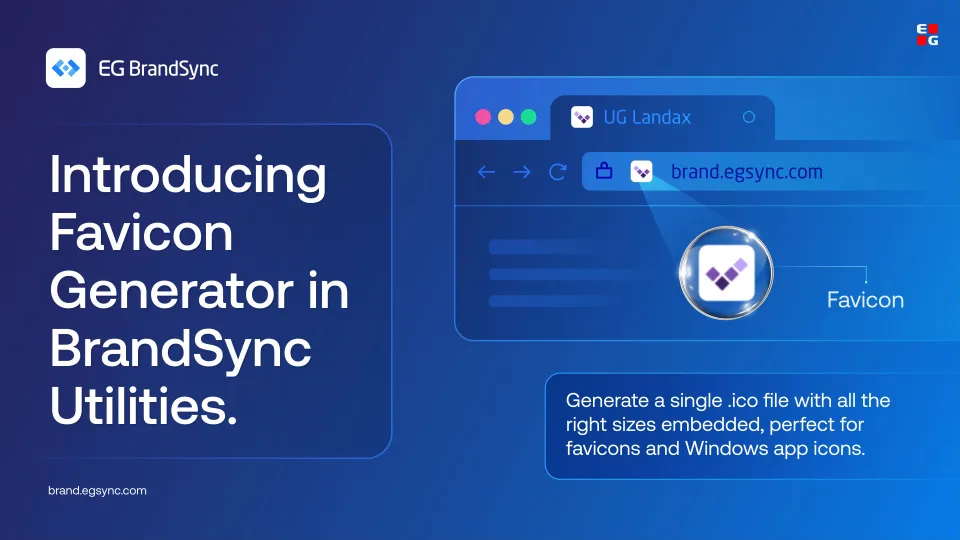
  • Introducing the Favicon Generator

    Introducing the Favicon Generator

    Your favicon is the smallest version of your brand, but it shows up everywhere. Browser tabs, bookmarks, Windows apps.

    It deserves to look right.

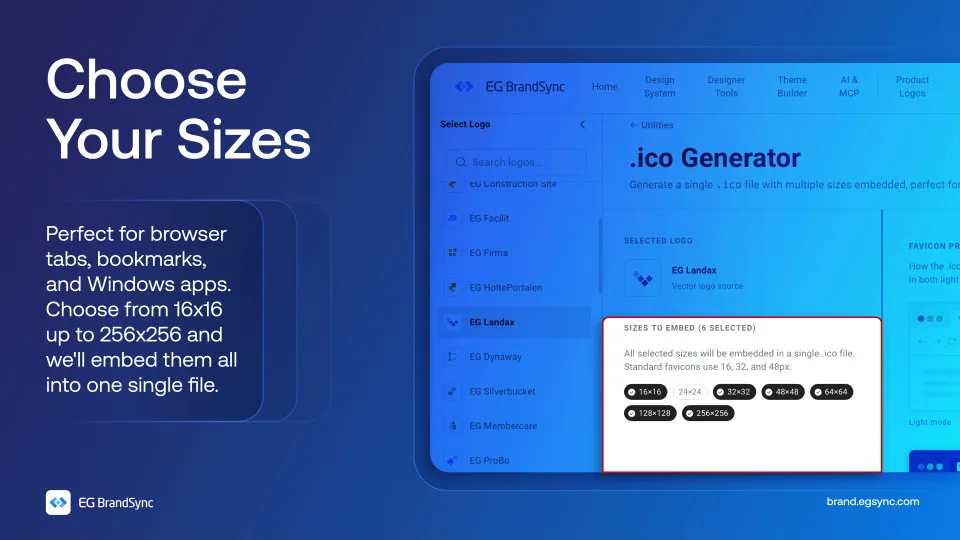
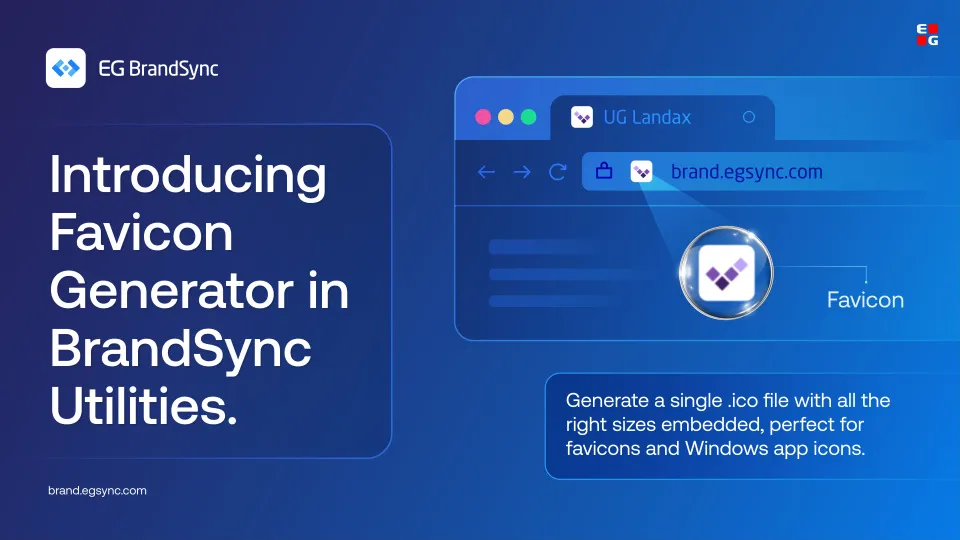
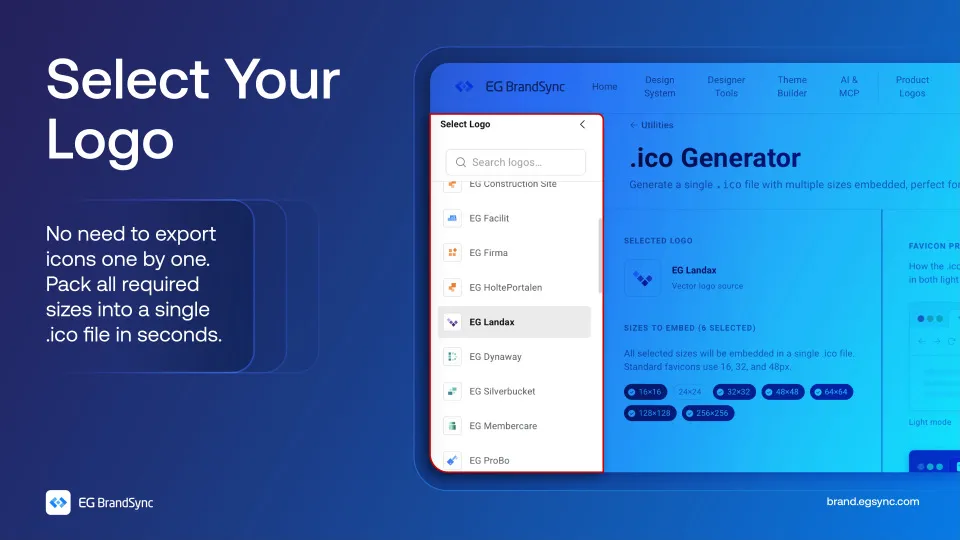
    With the BrandSync Favicon Generator, just pick your logo and choose the sizes you need. We’ll embed everything from 16×16 up to 256×256 into a single .ico file.

    No juggling multiple exports, no extra tools.

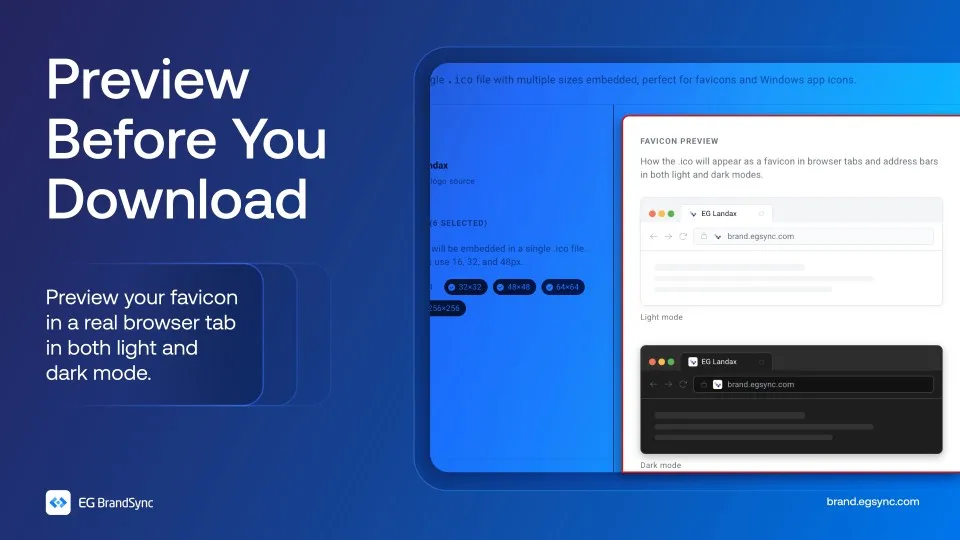
    And before you download, preview exactly how your favicon looks in both light and dark mode.

    No guessing and no going back and forth.

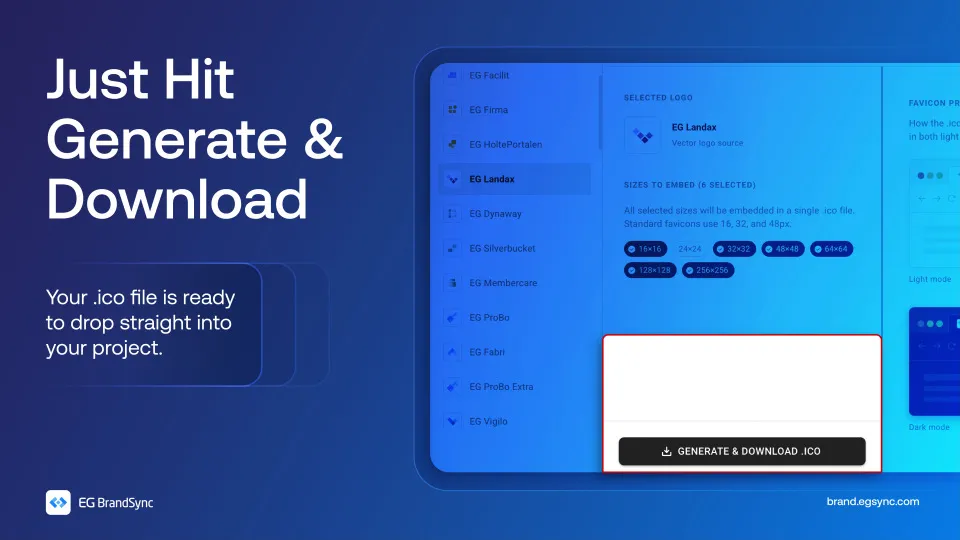
    Everything packed into one file, ready to use.

    Try the Favicon Generator on BrandSync:

    Favicon Generator | EG Brandsync

    Also check out other utilities on BrandSync:

    App Icon Generator | EG Brandsync

    Pick a logo, choose your platforms, and download a ZIP of PNG icons in every required size.

    Colour converter

    Convert between HEX, RGB, HSL, and CMYK. Edit any format and all others update instantly. Use HEX and RGB for web and digital, HSL for UI theming, and CMYK for print production.
  • Introducing EG Product Logos – Figma Plugin

    Introducing EG Product Logos – Figma Plugin

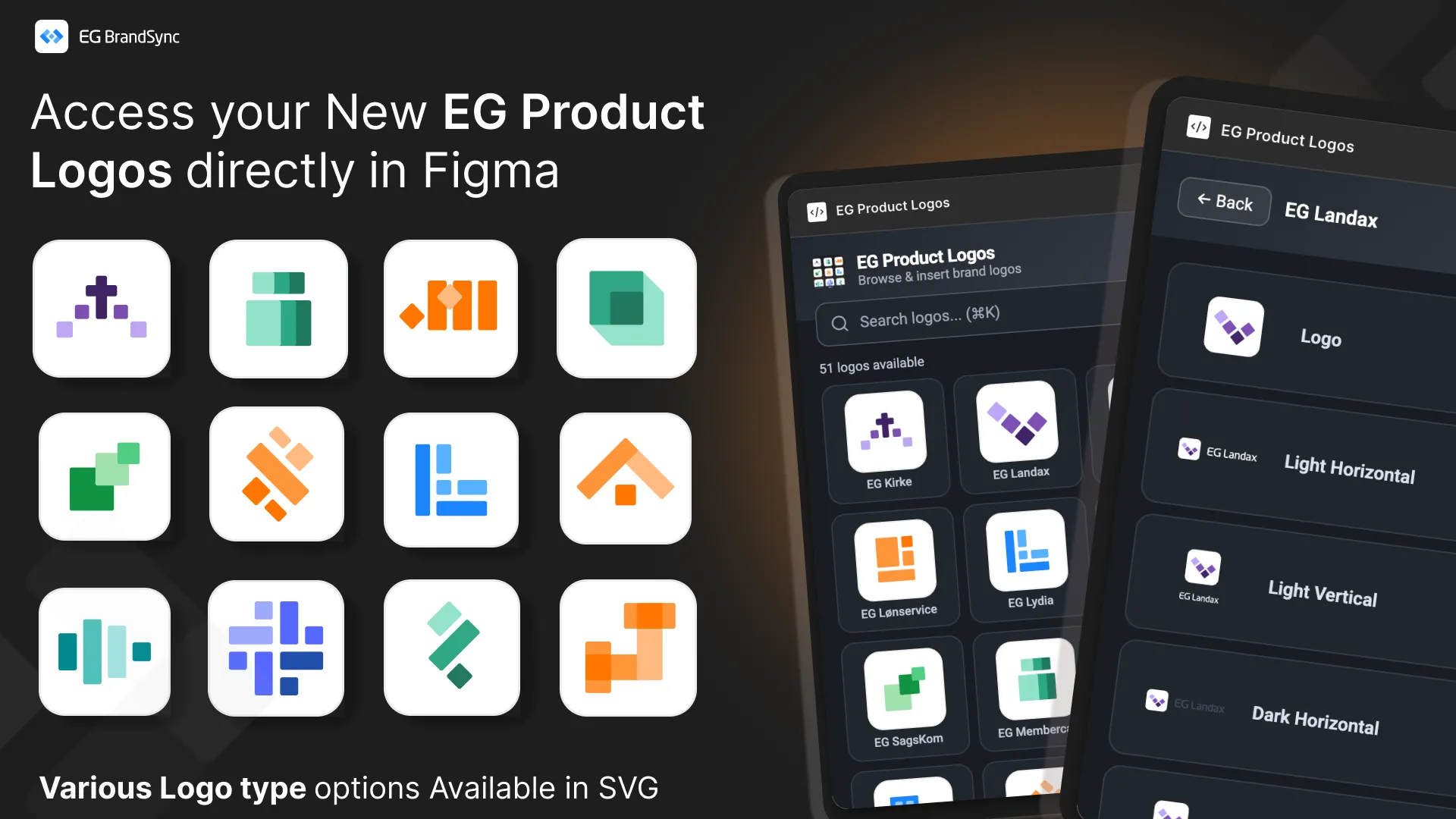
    This new tool creates a direct, searchable connection to the BrandSync asset library inside your Figma workspace, giving you instant access to official and always up-to-date product logos.

    No more outdated files. No more searching through folders. Just search and place.

    Key Features

    Direct BrandSync Integration

    Instantly search and fetch the latest approved product logos without leaving Figma. The plugin connects directly to the official BrandSync source of truth.

    Scalable Vector Quality All logos are delivered in SVG format and can be scaled to any size while maintaining perfect clarity and sharpness.

    Smart Format Selection

    When multiple logo variations exist such as Horizontal, Vertical, Dark, or Negative, the plugin allows you to preview and select the exact format required for your layout. This ensures correct usage every time.

    How to Get Started

    1. Install the Plugin first – EG Product Logos
    2. Right-click on your canvas
    3. Select Plugins
    4. Under Select from EG A/S -> Select Product Logos

    This release is another step toward a unified EG brand ecosystem, making it easier for teams to stay consistent.

    We look forward to your feedback and feature requests in the thread below.

    Other BrandSync FIgma Plugins: Link to other BrandSync Plugins

  • Introducing EG BrandSync Studio

    Introducing EG BrandSync Studio

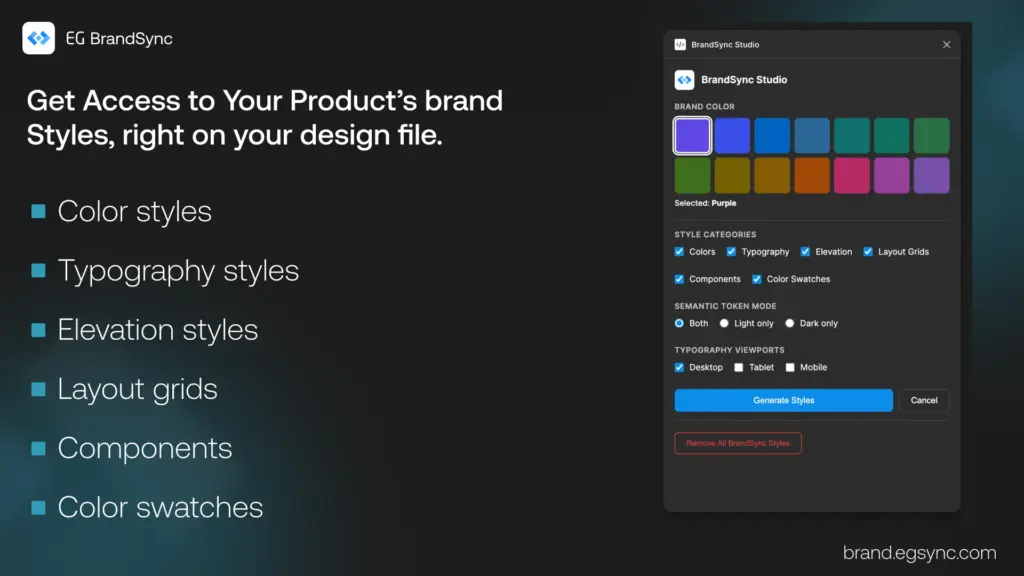
    Excited to share something we have been working on – EG BrandSync Studio, a Figma plugin that lays the foundations of the EG BrandSync design system in one click.

    Pick a brand color, hit generate, and you get:

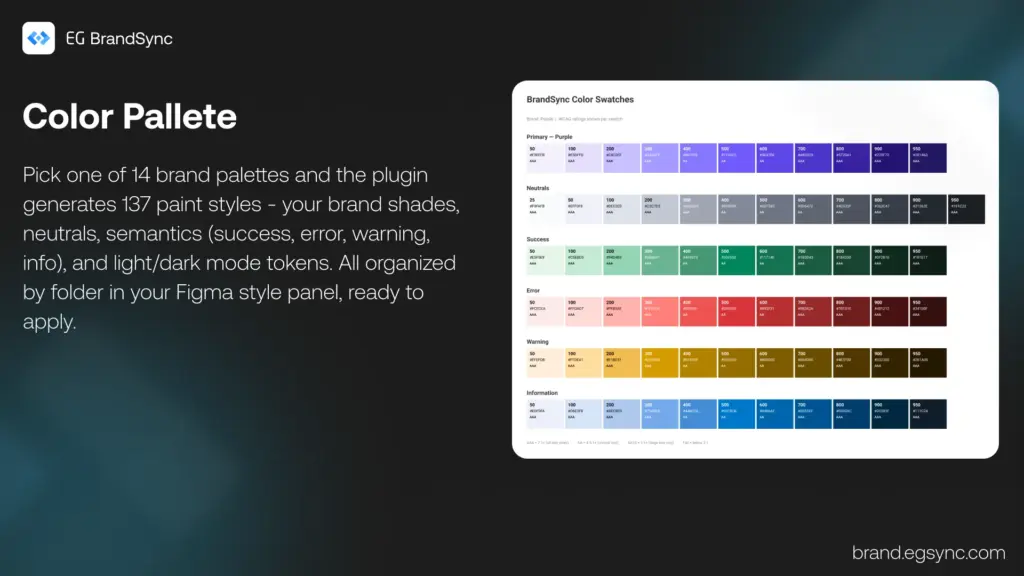
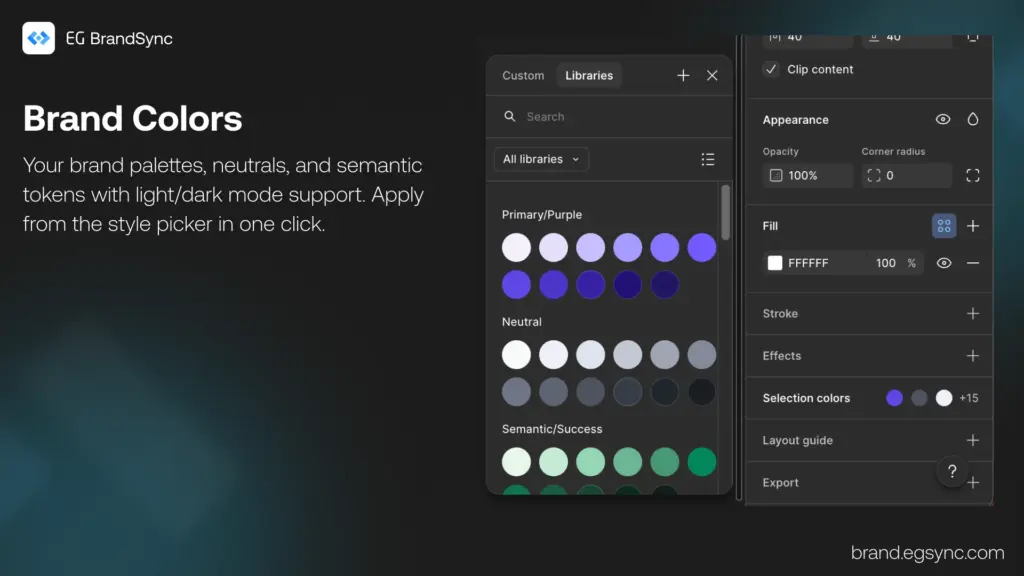
    • Colors – 14 brand palettes, neutrals, and semantic tokens with light/dark mode support
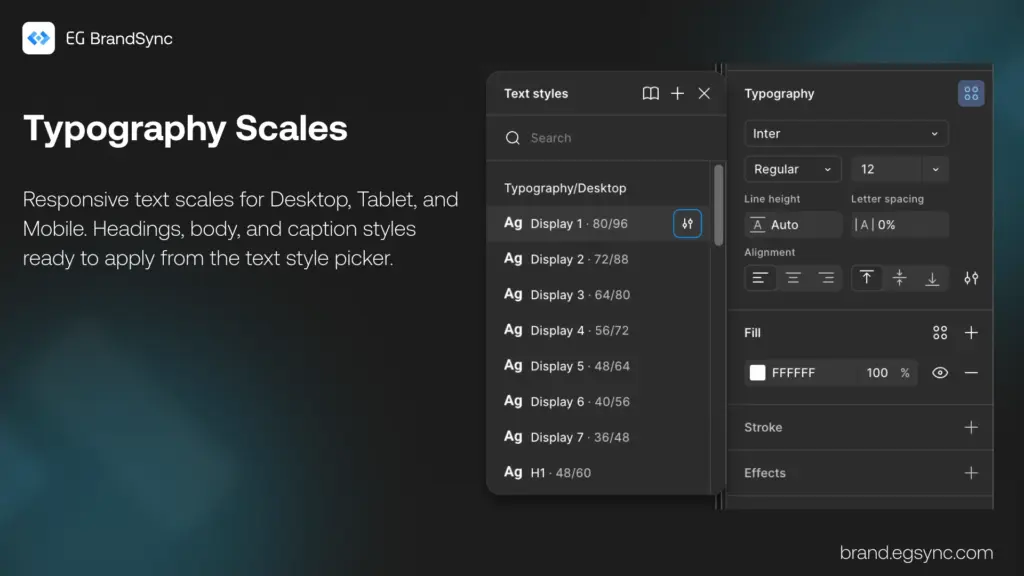
    • Typography – Responsive text scales for Desktop, Tablet, and Mobile
    • Elevation – 5 shadow levels from subtle to dramatic
    • Layout Grids – Mobile (4-col), Tablet (8-col), and Desktop (12-col)
    • Components – Starter Button, Input, Card, and Badge components
    • Color Swatches – Visual reference with WCAG contrast ratings

    Everything lands in your Figma style panel

    • Organized and ready to use.
    • Re-run safely – existing styles get skipped.
    • One-click cleanup if you want to start fresh.

    Built this to save time setting up new files and keep things consistent across projects. We would love feedback if you give it a try!

    Link to the Figma Plugin: https://www.figma.com/community/plugin/1602933425766782230

    Link to EG BrandSync: brand.egsync.com