Author: admin

  • Celebrating a Milestone

    Celebrating a Milestone

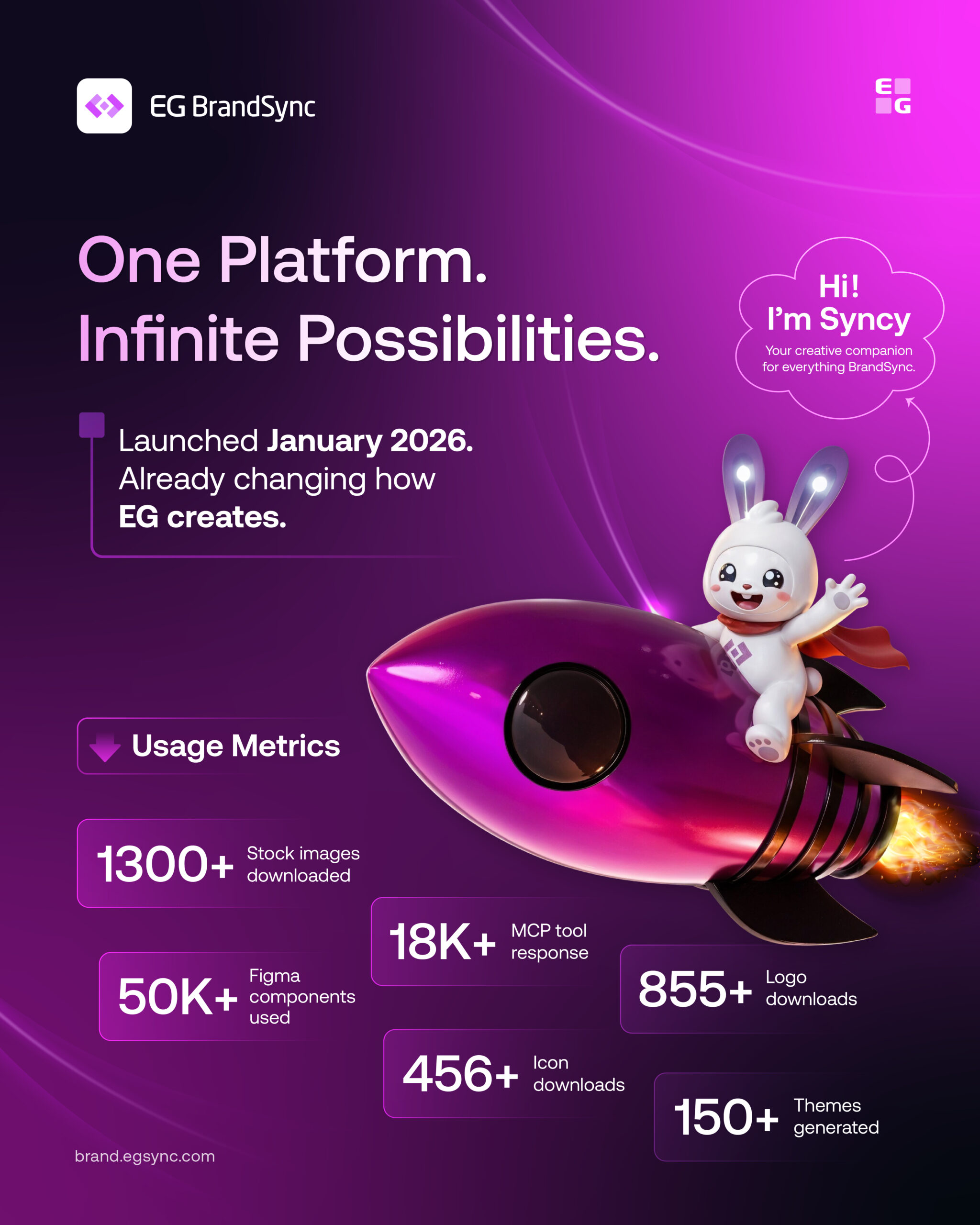
    Over the past few months, it has been amazing to see how quickly BrandSync has grown across EG. What started as a shared space for design assets is now becoming a platform that teams across business units actively use to create, collaborate, and stay aligned.

    Since launching in January 2026, BrandSync has brought together Figma kits, product logos, brand guidelines, icons, stock assets, MCP and much more into one shared ecosystem.

    And the adoption so far has been incredible: Here are some numbers:

    • 1300+ stock images downloaded • 50K+ Figma components used • 18K+ MCP tool responses • 855+ logo downloads • 456+ icon downloads • 150+ themes generated

    What excites us most is seeing teams use BrandSync in their daily workflows to move faster, stay consistent, and spend less time rebuilding or searching for assets.

    A huge thank you to everyone across EG who has contributed, tested features, shared feedback, uploaded assets, and helped shape the platform along the way. We are only getting started.

    And finally, meet Syncy. Our very happy BrandSync mascot. Expect to see a lot more of him in future posts alongside the rest of the BrandSync journey.
  • EG Tracetool gets BrandSynced

    EG Tracetool gets BrandSynced

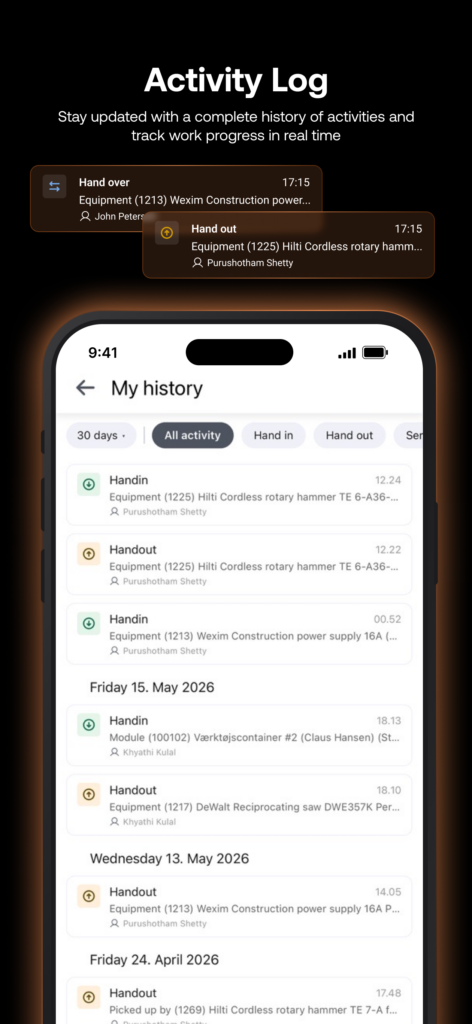
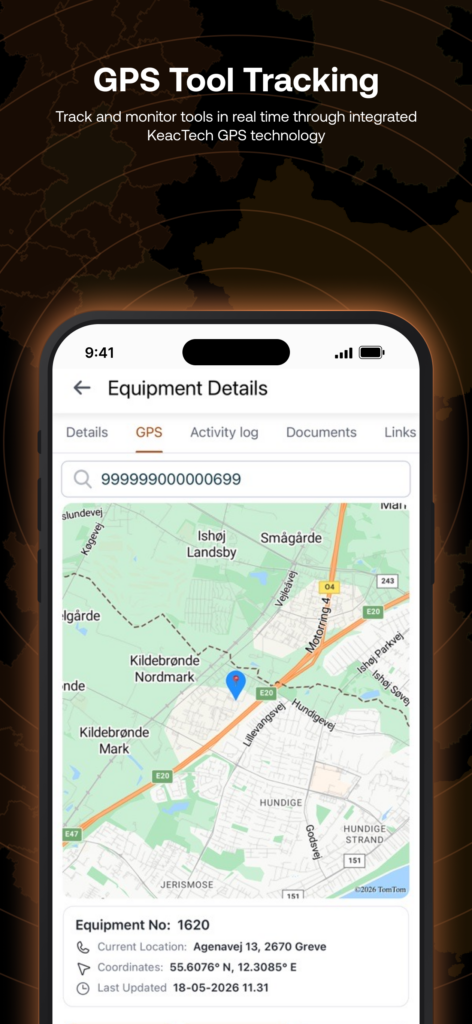
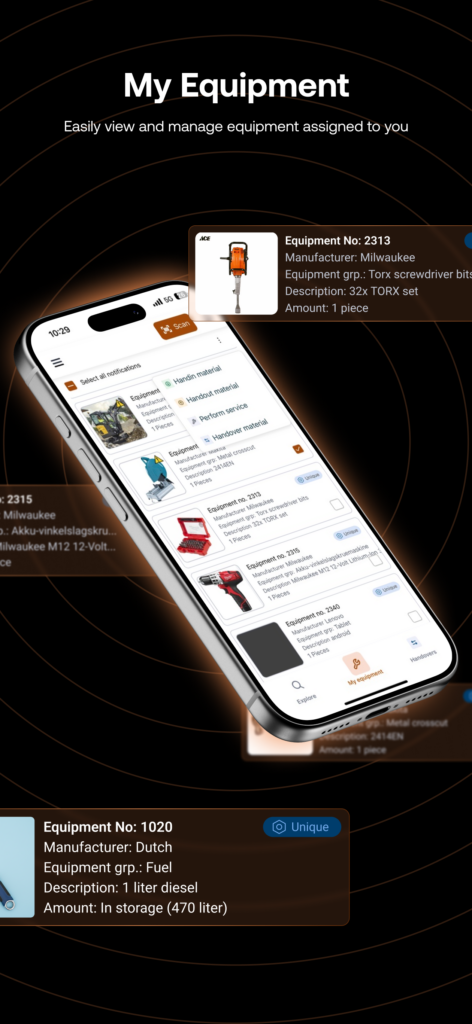
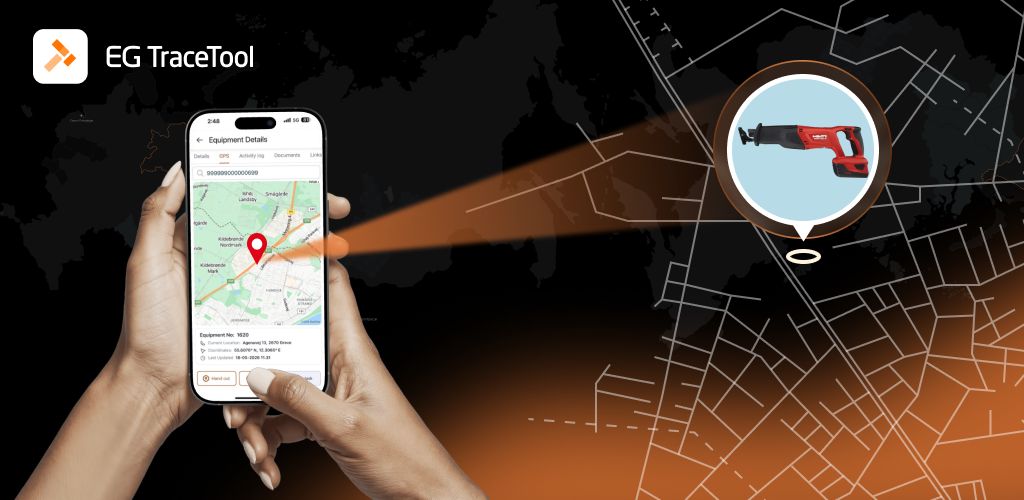
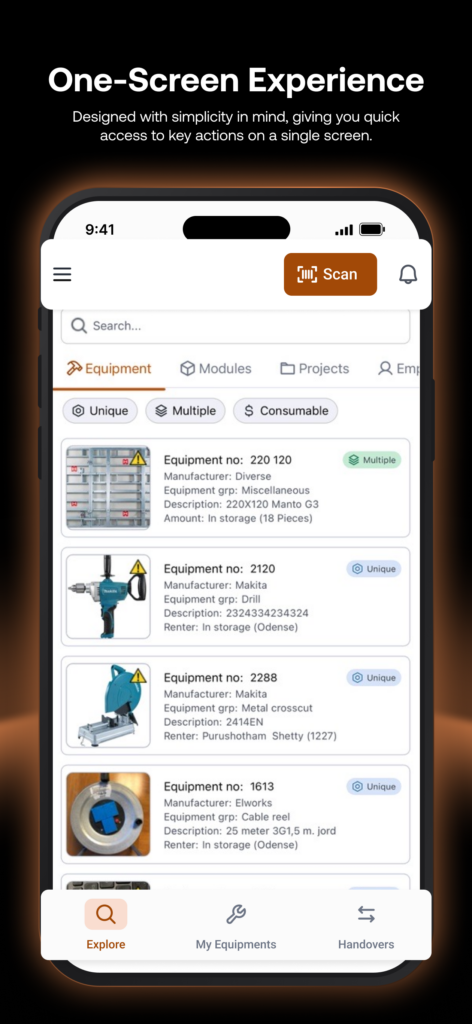
    The BrandSync team had an incredible opportunity to collaborate with the amazing team at EG Construction on the EG Tracetool mobile app, and it has been such an exciting journey from start to finish.

    Today, the app officially reached customers with the beta version, and we are genuinely proud of how everything has come together.

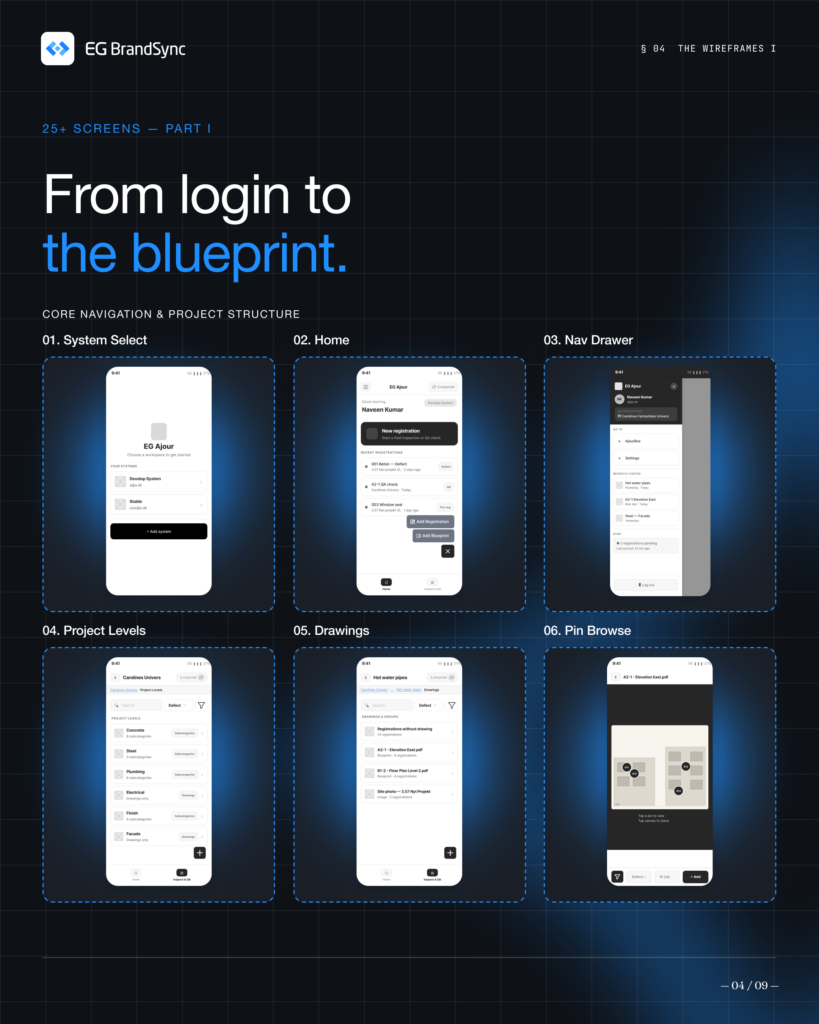
    This was a complete redesign experience for us. We revisited the entire app workflow, carefully mapped the full user journey, and rethought the experience step by step. From early low fidelity concepts and wireframes to polished high fidelity designs, every stage was crafted with care using the BrandSync ecosystem and ingredients.

    What made this project even more special was the collaboration behind it. A great product is always built by passionate people working together, and the Tracetool team brought exactly that energy throughout the journey.

    A huge thank you to everyone involved. We are excited to see the new EG Tracetool experience in the hands of customers 🚀

  • Introducing BrandSync MCP

    Introducing BrandSync MCP

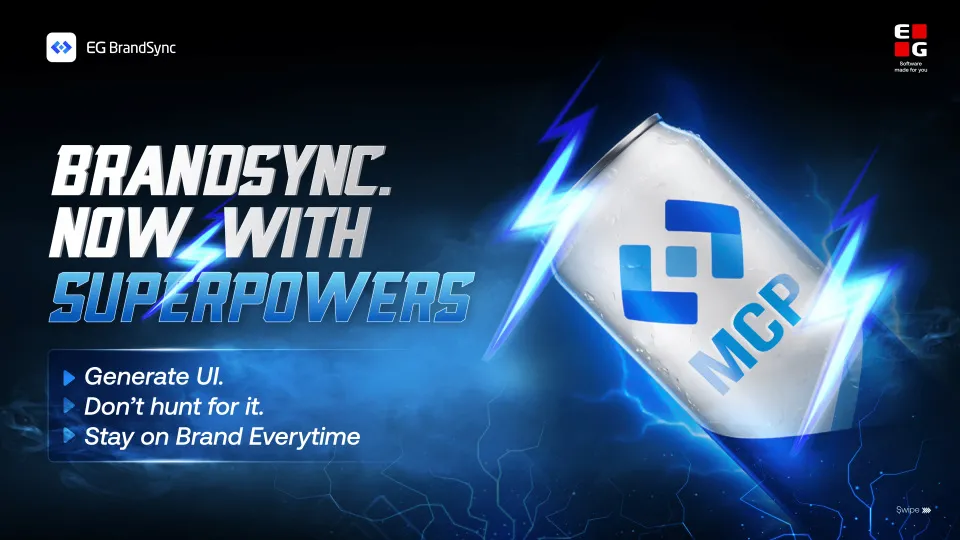
    BrandSync, now with superpowers.

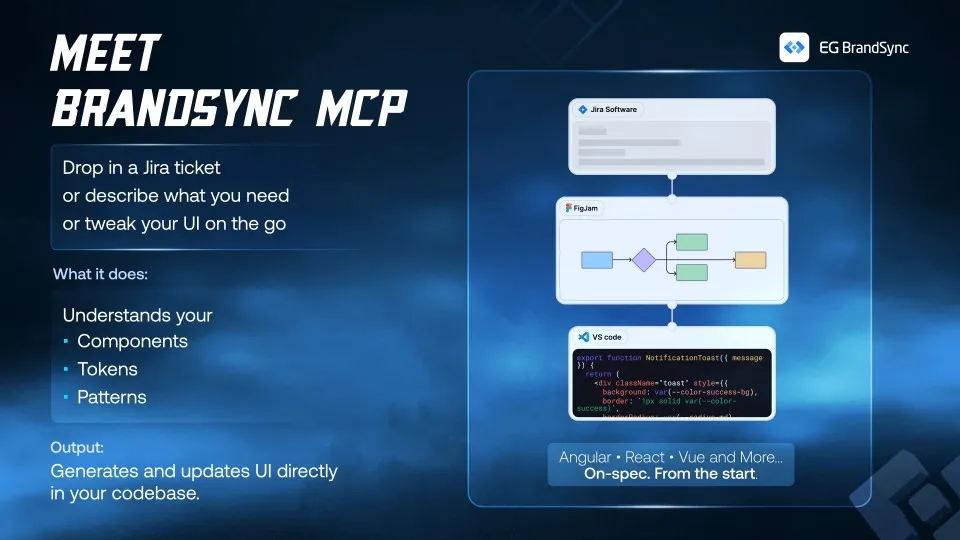
    Our MCP now connects Claude Code to your BrandSync design system, so you can stop hunting for UI and start generating it directly in your codebase.

    What can you do with it?

    Jira workflow: turn tickets into ready-to-build specs with components, tokens, and patterns already resolved

    Pattern driven builds: pick the right pattern and generate UI that follows your design decisions

    New features: describe a full flow and get consistent, multi-screen UI grounded in your system

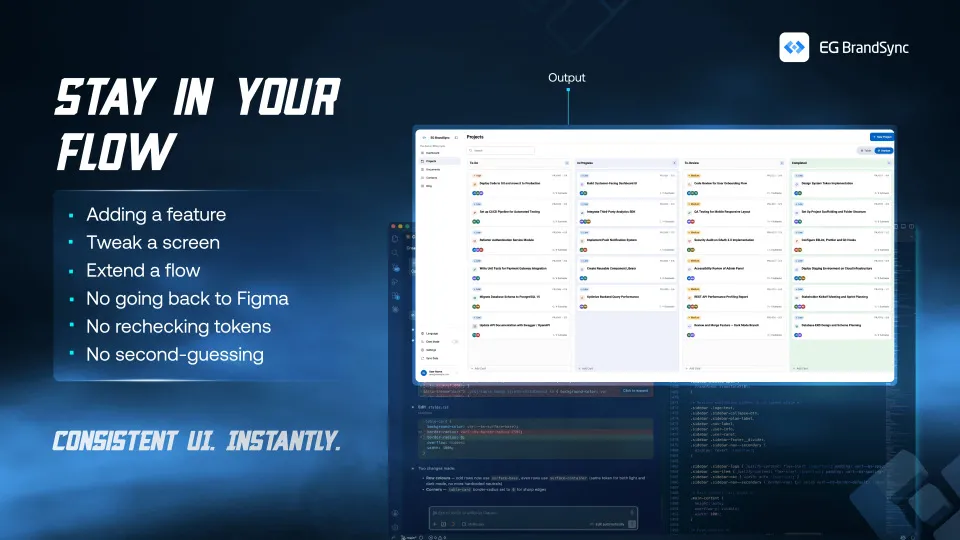
    Everything is generated directly in your codebase, using the right components, tokens, and patterns from the start.

    Token-friendly, not token-hungry.

    No unnecessary prompts, no bloated context. BrandSync MCP keeps things tight and efficient, so you’re not burning tokens figuring things out.

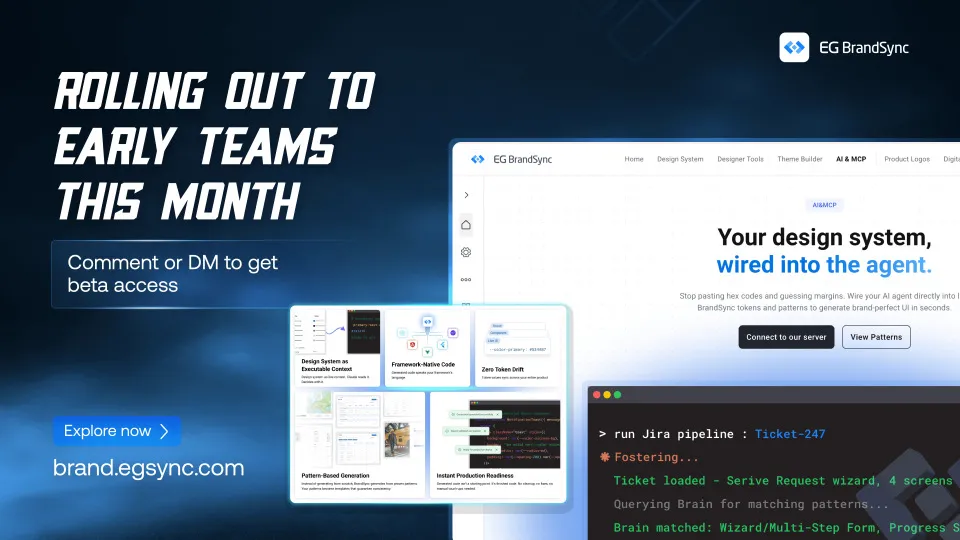
    We’re opening Early Adopter Program this month BrandSync MCP – Early Adopter Program – Fill out form

  • Using Claude to generate low fidelity wireframes

    Using Claude to generate low fidelity wireframes

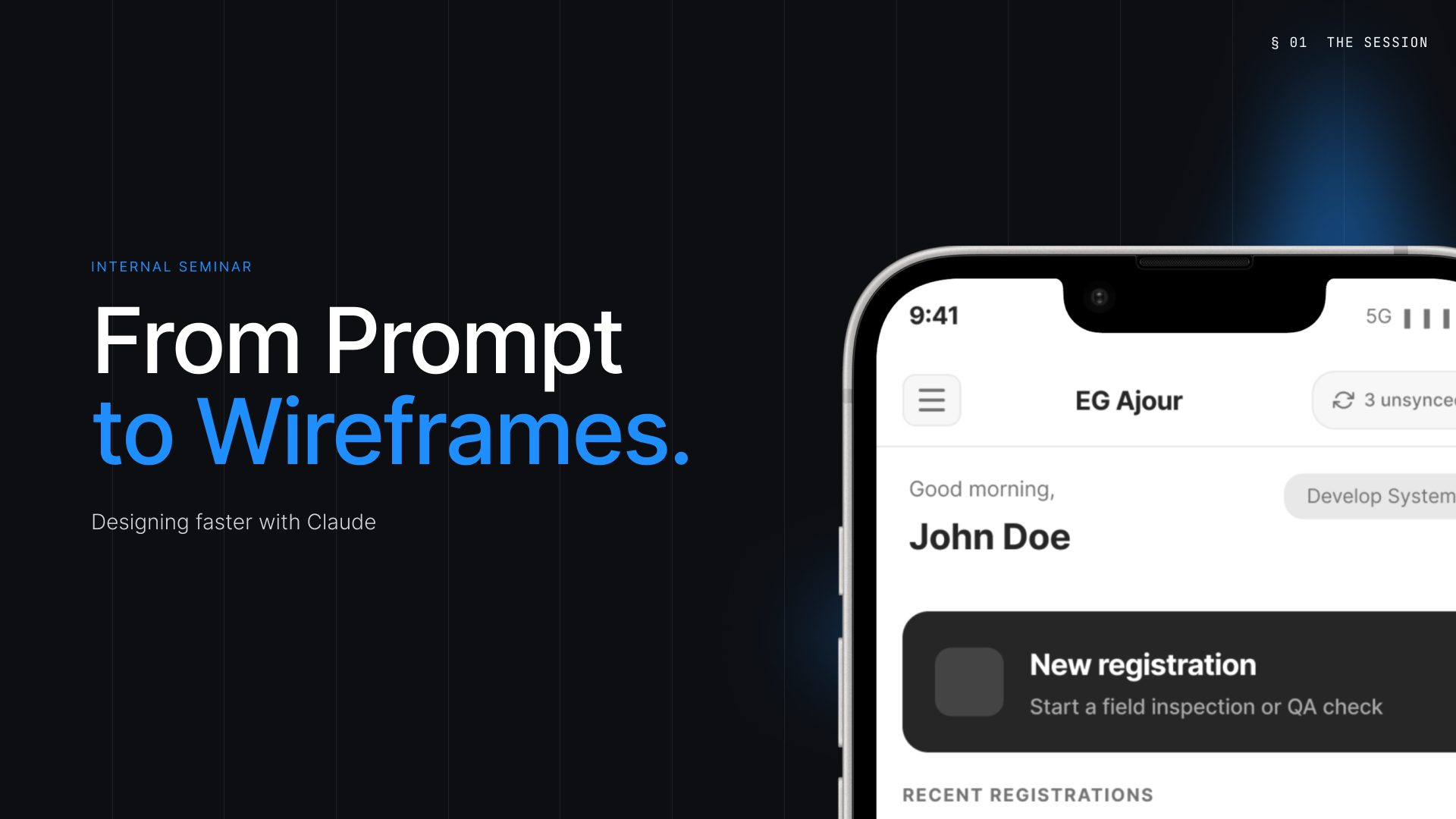
    A big thank you to Mehnaz Zahur for leading a great session for the EG UX Community on using Claude to generate low fidelity wireframes and speed up early stage product thinking.

    The session explored how AI can support UX teams during the first phases of building apps by helping turn ideas and prompts into rough wireframes faster. The goal was never to replace designers, but to give teams a quicker starting point and make it easier to explore ideas early.

    Some of the key takeaways included:

    • AI works best as a thinking partner • Strong context and clear prompts lead to better outcomes • Working one flow at a time creates more focused results • Iteration still matters and refinement stays with the designer

    • Faster exploration helps teams align and react earlier

    “One of the strongest messages from the session was simple but important:

    AI informed. Not AI generated.”

    Attaching a few slides from the seminar for those who could not attend and for anyone who would like a quick look at the process and key learnings shared during the session.

    A special thank you as well to Team GCX and Amplify Alliances for conducting and hosting this event, and for helping create a space for learning, collaboration, and knowledge sharing across the community.

    Thank you to everyone who joined and contributed to the conversation. Looking forward to more sessions like this within the EG UX Community.

  • We let Claude into our wire-framing process. Here’s what actually happened.

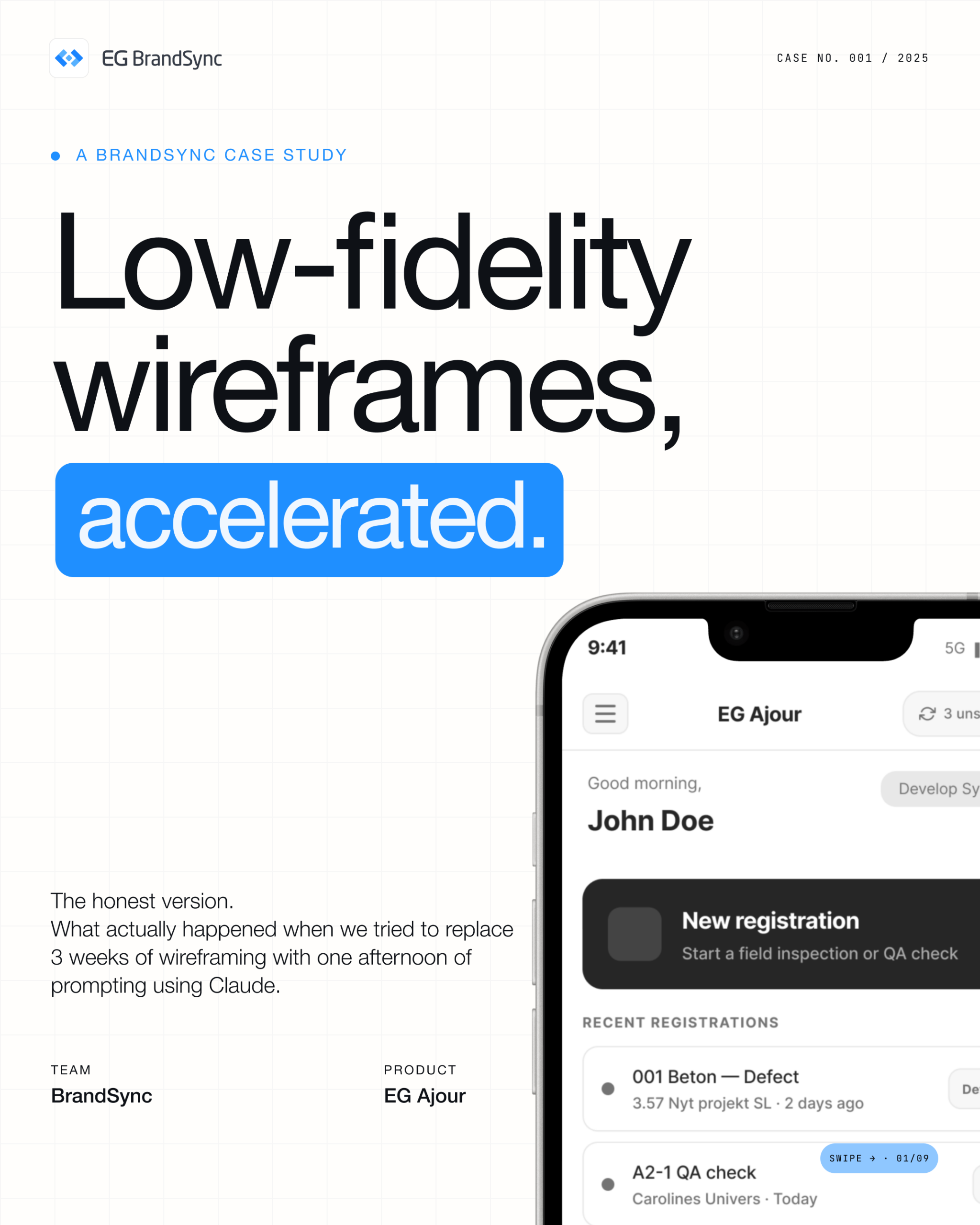
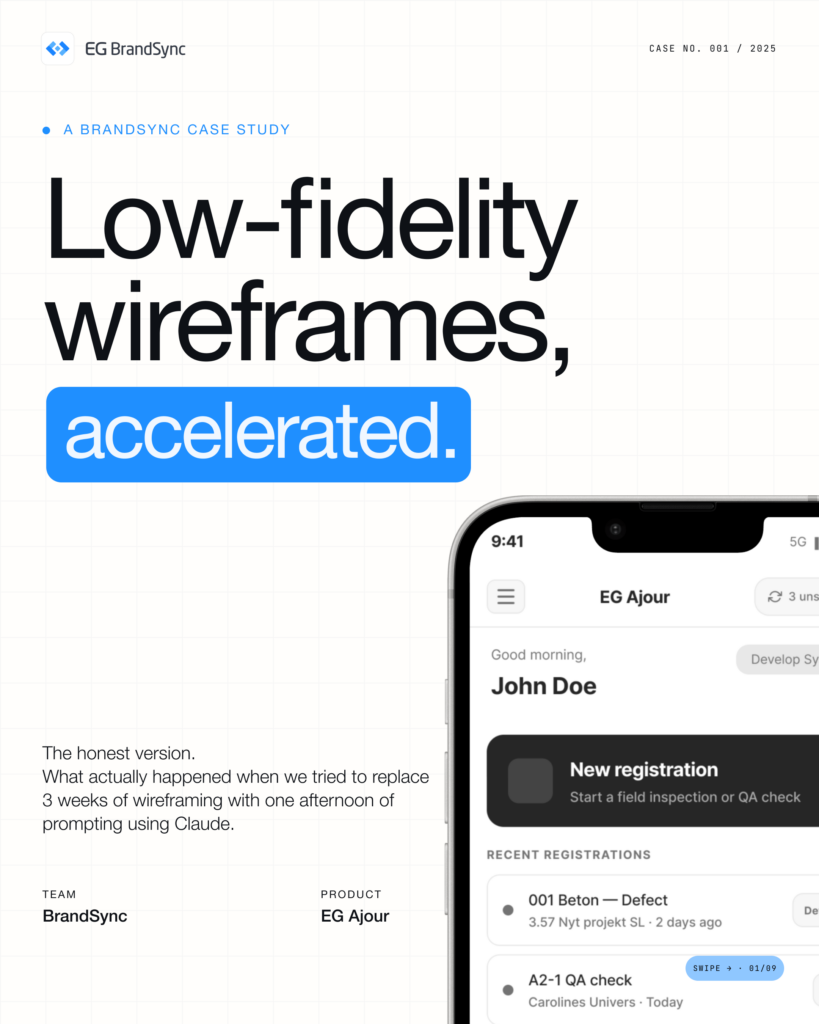
    We let Claude into our wire-framing process. Here’s what actually happened.

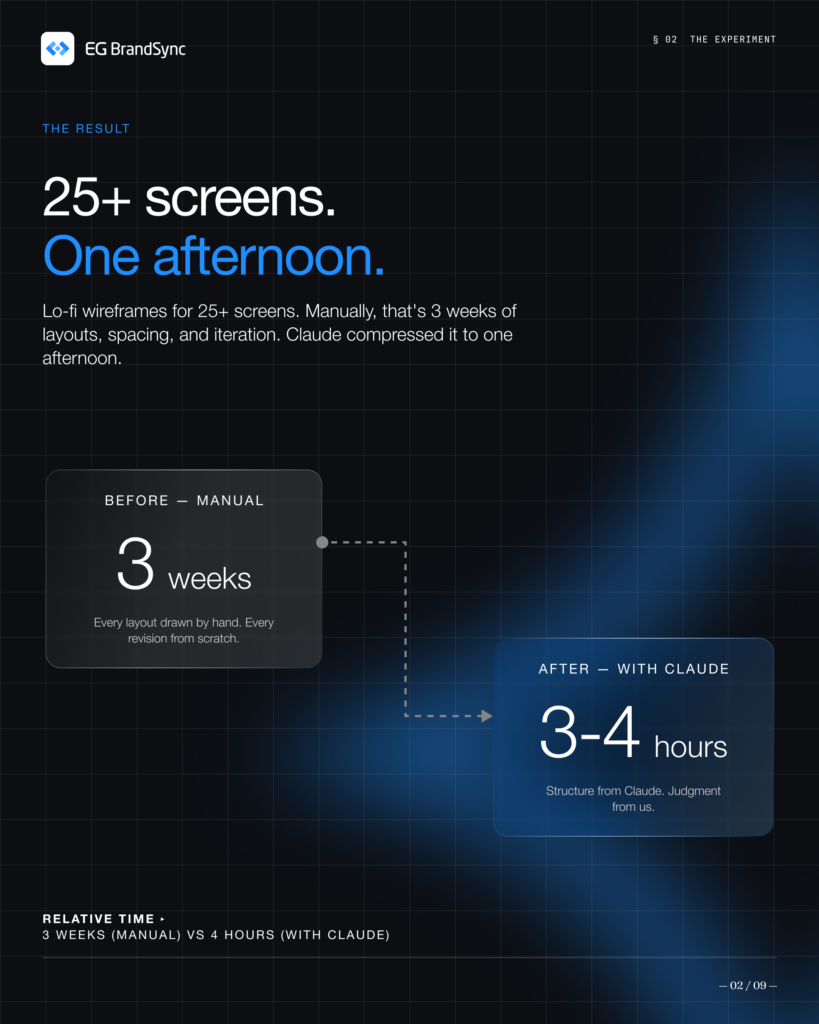
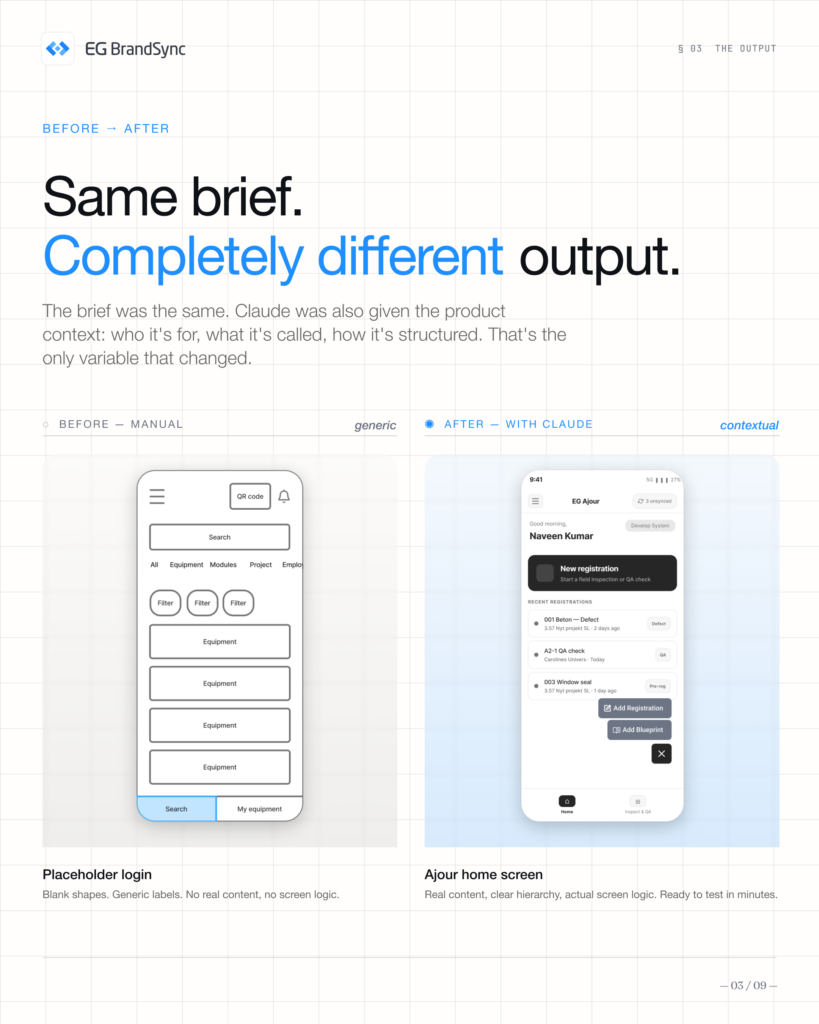
    In a single afternoon, we generated 25+ lo-fi wireframes, something that would usually take weeks. This deck breaks down exactly how we did it.

    Here, you’ll find:

    • Our 6-step method
    • Real wireframes
    • What worked and what didn’t
    • The outcomes we achieved

    Claude sped up layout generation, but the thinking and decisions stayed with our team. It didn’t replace our process, it helped us move through it faster and more efficiently.

    Curious how this could fit into your workflow?

    Swipe through and see the process in action.

  • Introducing the Favicon Generator

    Introducing the Favicon Generator

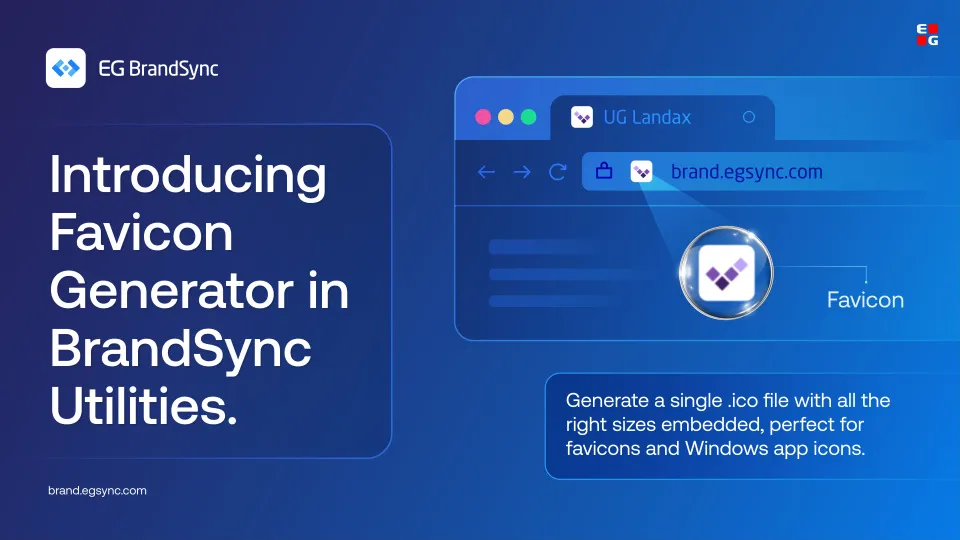
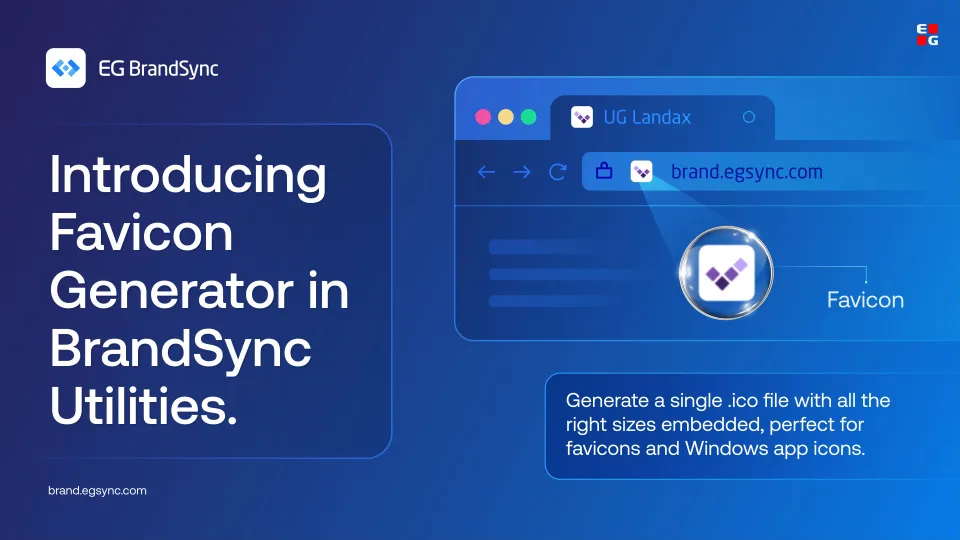
    Your favicon is the smallest version of your brand, but it shows up everywhere. Browser tabs, bookmarks, Windows apps.

    It deserves to look right.

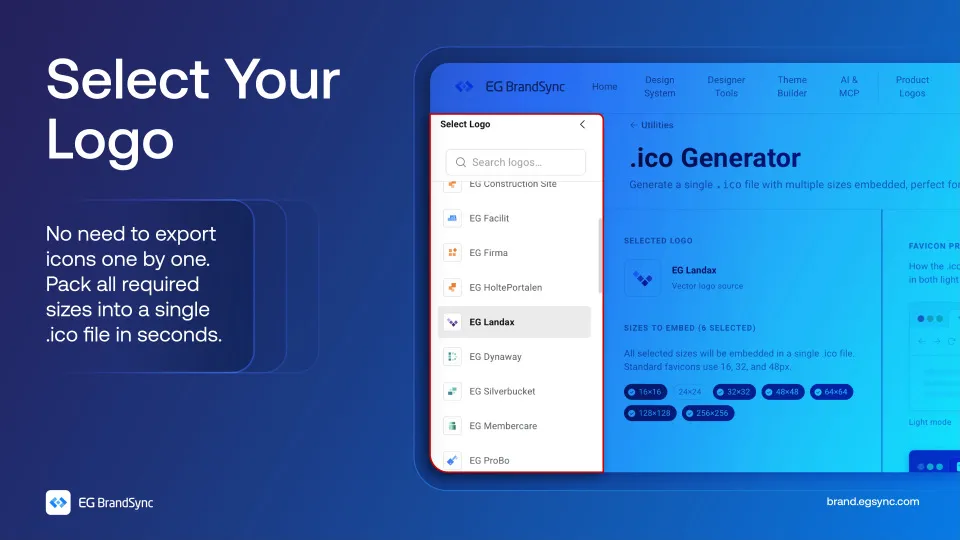
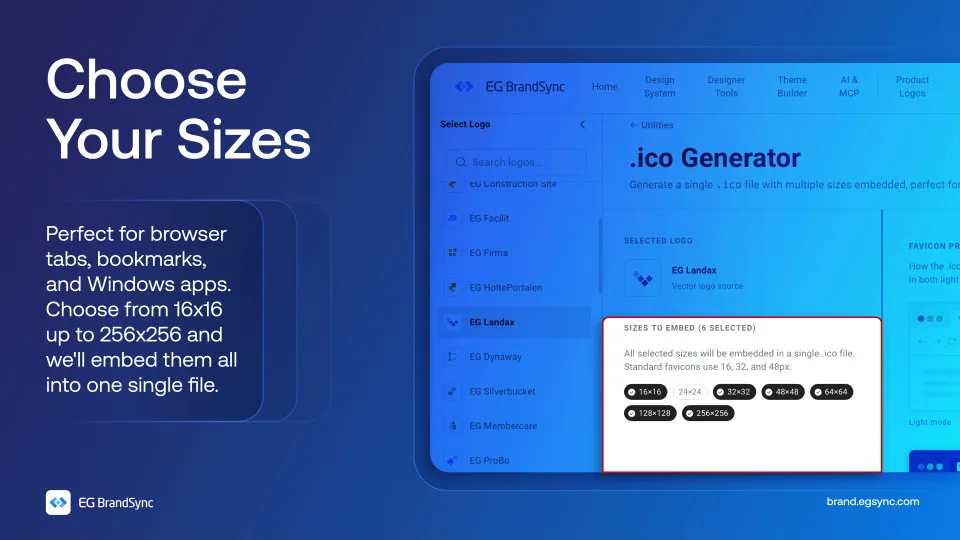
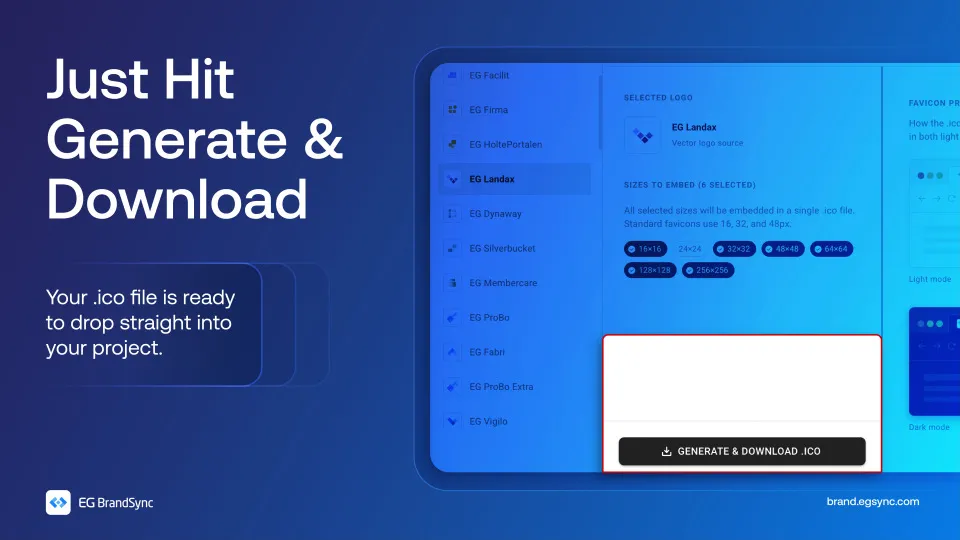
    With the BrandSync Favicon Generator, just pick your logo and choose the sizes you need. We’ll embed everything from 16×16 up to 256×256 into a single .ico file.

    No juggling multiple exports, no extra tools.

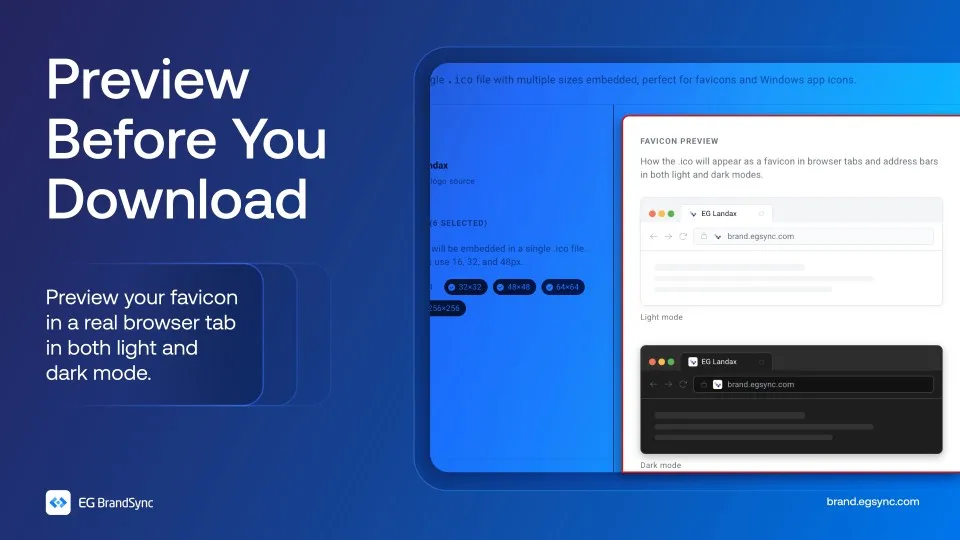
    And before you download, preview exactly how your favicon looks in both light and dark mode.

    No guessing and no going back and forth.

    Everything packed into one file, ready to use.

    Try the Favicon Generator on BrandSync:

    Favicon Generator | EG Brandsync

    Also check out other utilities on BrandSync:

    App Icon Generator | EG Brandsync

    Pick a logo, choose your platforms, and download a ZIP of PNG icons in every required size.

    Colour converter

    Convert between HEX, RGB, HSL, and CMYK. Edit any format and all others update instantly. Use HEX and RGB for web and digital, HSL for UI theming, and CMYK for print production.